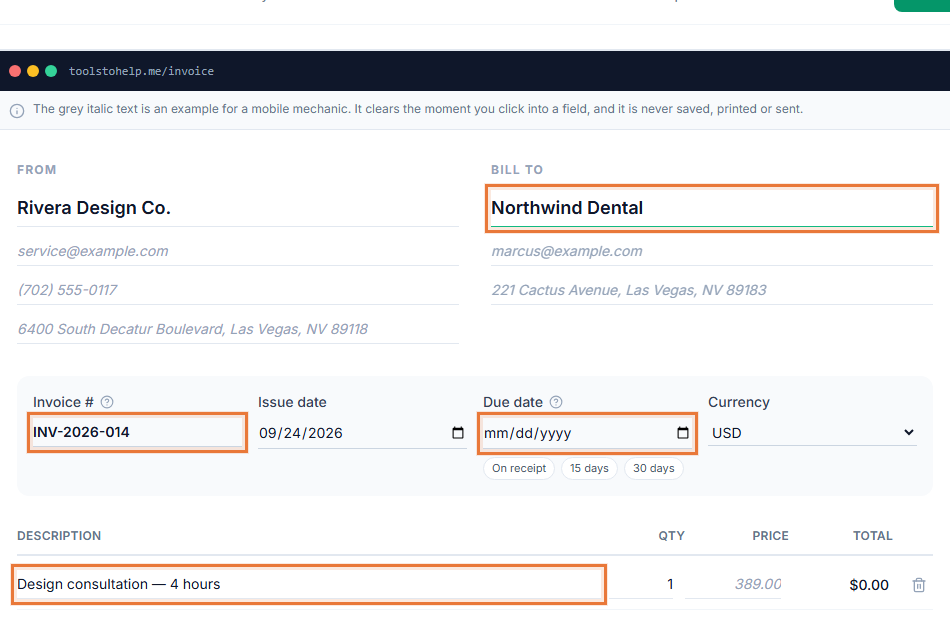
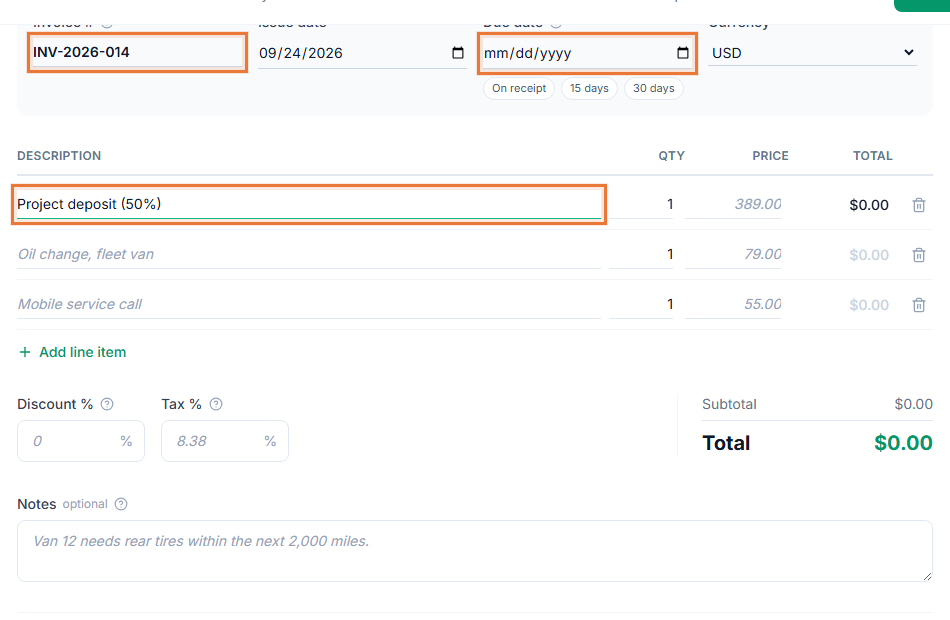
Invoicing software for freelancers has to handle more than a single PDF. One week you are quoting a new project, the next you are logging hours against a retainer, and at the end of the month you are chasing a client who has not paid. The Invoice Generator keeps all of that in one place, so your quotes, your time and your invoices do not live in three different files.
How freelance billing works in the Invoice Generator
- Quote the work. Build an estimate with your line items and price. Your client can review it and sign it in their browser, so you have a record of what was agreed before you start.
- Track the hours, if you bill hourly. Log time by client and rate as you go, or skip this step for fixed-price project work.
- Turn it into an invoice. Convert the approved estimate, or your unbilled time entries, into an invoice with the details already filled in.
- Share it and get paid. Send the invoice link or download the PDF, and add a payment link so your client can pay online.
Invoicing software for freelancers that fits how you bill
- One home for quotes, hours and invoices. You are not copying numbers from a time tracker into a separate invoice template.
- Looks like your business. Add your logo and an accent color, so every invoice and estimate carries your own look.
- You can see what happened. View tracking shows when a client has opened an invoice, and client comments let them ask a question on the invoice itself instead of a separate email.
- Clear payment terms cut down on late payers. See invoice payment terms explained for the wording most freelancers use.
Who this fits
Freelance writers, developers, designers, editors, virtual assistants and consultants bill in similar ways: a mix of project fees and hourly work, usually for a handful of repeat clients. If most of your invoices look alike, start from the freelance invoice template to see what a filled-in example includes, then build your own in the Invoice Generator.
If a client is slow to pay, read what to do when a client has not paid before you send a follow-up.
Getting paid without extra tools
You do not need a separate invoicing app, a time tracker and a payment processor. The Invoice Generator's online payment links add a Pay now button to the invoice itself, and your saved clients mean you are not re-typing the same name and address every time you bill the same person.