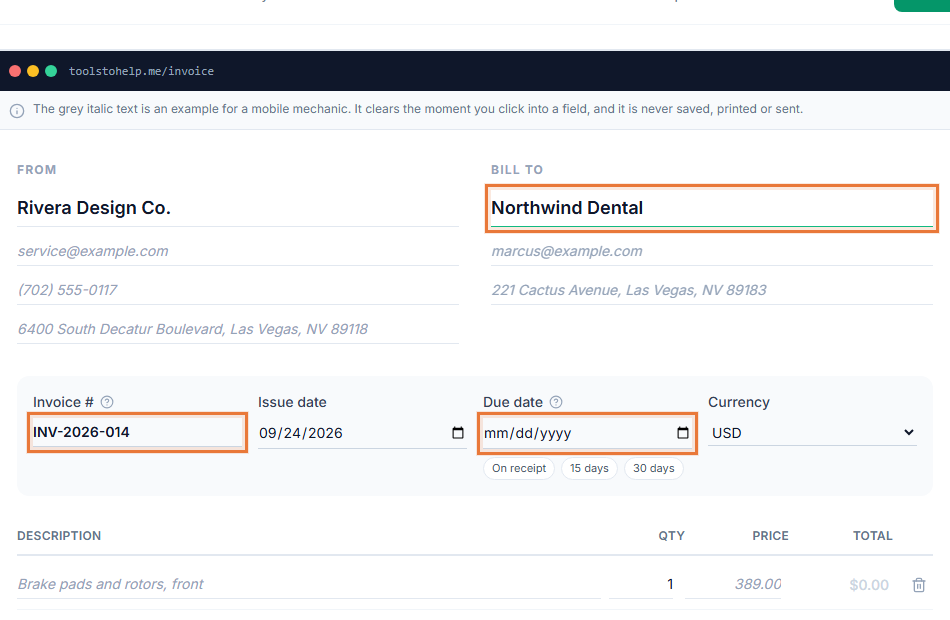
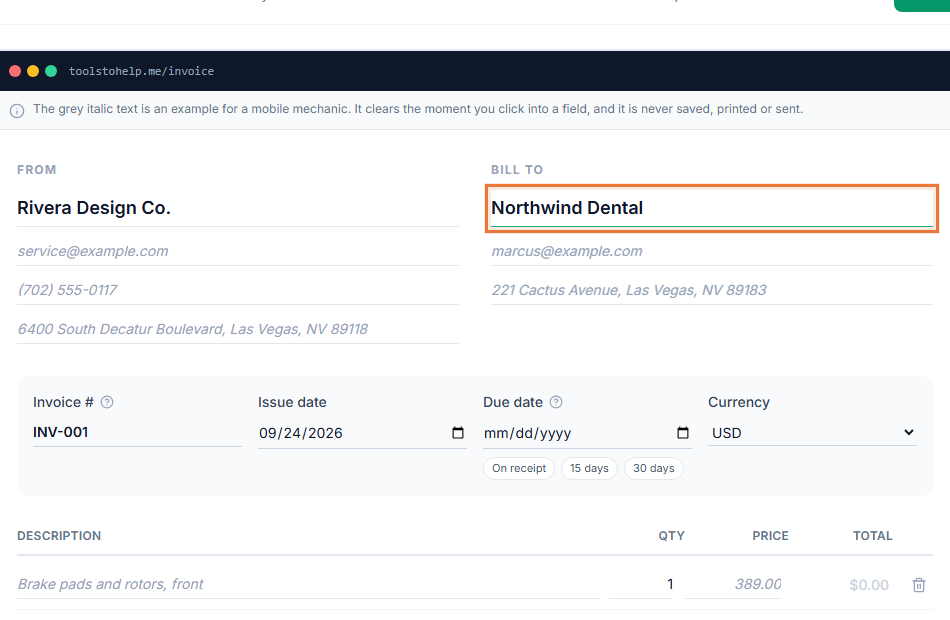
A verbal quote is easy to forget and easy to argue about later. Free estimate software gives you a document your client can read, question and approve, with a record of what they agreed to and when. The Invoice Generator builds estimates the same way it builds invoices, so you do not have to learn a second tool.
An estimate here is not a stripped-down invoice with a different name. It uses the same client list, the same line item builder and the same branding, but it is set up for a job that has not started yet: a valid-until date instead of a due date, and an approve or decline decision your client makes before any work happens.
How it works
- Start an estimate. Choose a client, add your line items, and set a valid-until date instead of a due date.
- Share the link. Copy the client link and send it however you already reach your client, by text, chat or your own email.
- Your client responds. They can approve it, decline it, sign it on screen, or leave a comment asking a question, all without creating an account.
- Follow up. Once it is approved, open a new invoice for the same client and add the agreed line items. The Invoice Generator does not do this step for you.
Why quote before you invoice
- Fewer disputes. The client agreed to a specific price before the work started, in writing.
- Client sign-off. Approval and, if you ask for it, a signature both carry a timestamp.
- One tool, one client list. Estimates use the same clients and line items as your invoices, so nothing has to be typed twice.
- Open questions in one place. A client can ask about the price directly on the estimate instead of over a separate email thread. Read estimate vs. quote vs. invoice if you are not sure which document to send.
What happens after you send it
Once your client opens the link, the estimate shows as Viewed on your side, the same way an invoice does. If they approve it, you see a plain confirmation with the date. If they decline it, you see that too, so you are not left guessing why a job went quiet. Either answer is final for that estimate: a declined estimate stays declined, and there is no re-send button that resets it. If terms change, the cleanest path is a new estimate with the updated price.
Who uses it
Estimate software suits any business that prices a job before doing it: contractors pricing a repair, cleaning businesses quoting a first visit, landscapers scoping seasonal work, photographers pricing a shoot, and consultants scoping a project before it starts. If you already write a fixed quote by hand or in a spreadsheet, moving it here gives your client a link to approve instead of a reply-all email, and gives you a saved copy you can find again months later.
Works with the rest of the Invoice Generator
Estimates carry your logo and accent color, the same as invoices. Your client can sign one on screen and leave a comment on it, and once you are ready to bill, you build the invoice with the same client details already saved. See how to write an invoice for what to include once the work is agreed.