Invoicing software for photographers has to fit around a booking, not just a bill. A client agrees to a package, pays a deposit to hold the date, and settles the balance after the shoot, sometimes with prints or extra edits added on. The Invoice Generator handles the signed agreement, the deposit and the final invoice in one place, with your studio's own look on all of them.
How a booking moves through the Invoice Generator
- Send the package as an estimate. List the session, prints or add-ons, and let the client sign it in their browser to confirm the booking.
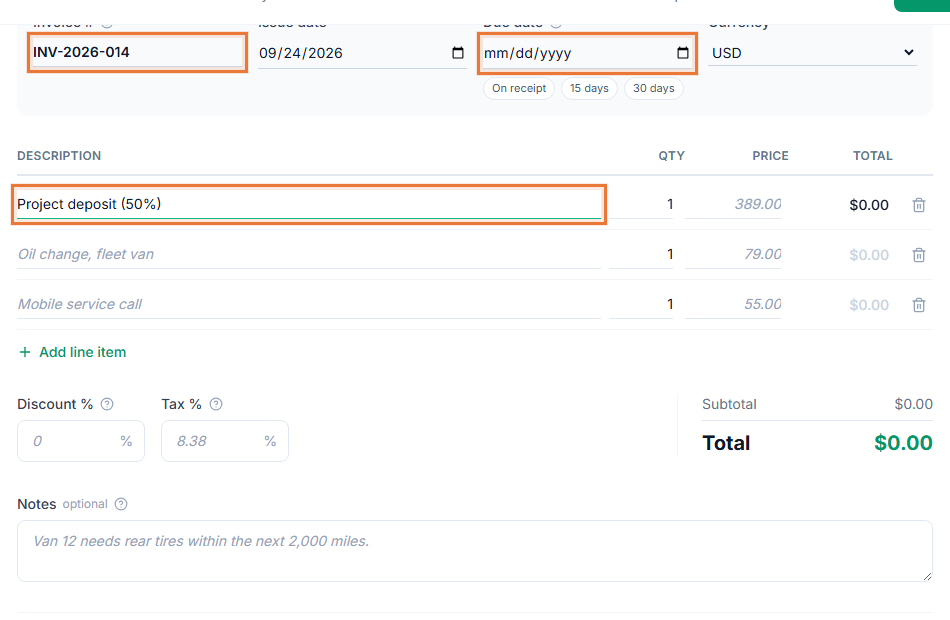
- Collect a deposit. Send a deposit invoice to hold the date before you block out your calendar.
- Track shoot costs. Log props, prints or travel expenses by category as they come up.
- Invoice the balance. After the shoot, invoice the remaining amount plus any extras, and share the link.
Invoicing software for photographers built around bookings
- Bookings are in writing. A signed estimate protects both sides if the package or date changes later.
- Deposits hold the date properly. Bill the deposit as its own invoice, separate from the final balance.
- The invoice looks like your studio. Your logo and accent color carry across every estimate and invoice you send.
- You know what a shoot cost you. Expense categories and CSV export make it easy to compare cost against what you charged.
Keeping bookings and costs straight across a busy season
Once you are booking several shoots a month, it gets hard to remember which client signed which package, which deposit is still outstanding, and what a given wedding or session actually cost once props, prints and travel are added up. A signed estimate for each booking and an expense log for each shoot give you a record to check against, and a report at the end of the month shows what came in against what went out, without you having to reconstruct it from memory or a stack of receipts.
Who this fits
Wedding, portrait, event and commercial photographers who book sessions with a deposit and settle the rest afterward will find this matches how photography billing actually works. Start from the photography invoice template to see a filled-in example with typical packages and terms.
Getting the balance paid on time
A payment link on the final invoice lets a client pay the balance the moment they see their gallery, rather than mailing a check. See how to write an invoice for what to include so the final bill is clear about what was delivered.