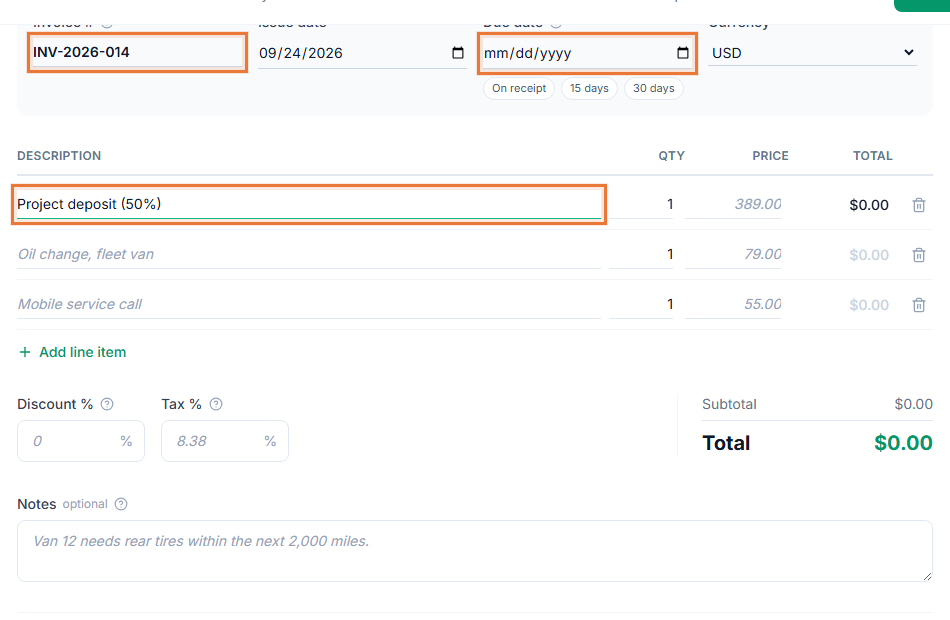
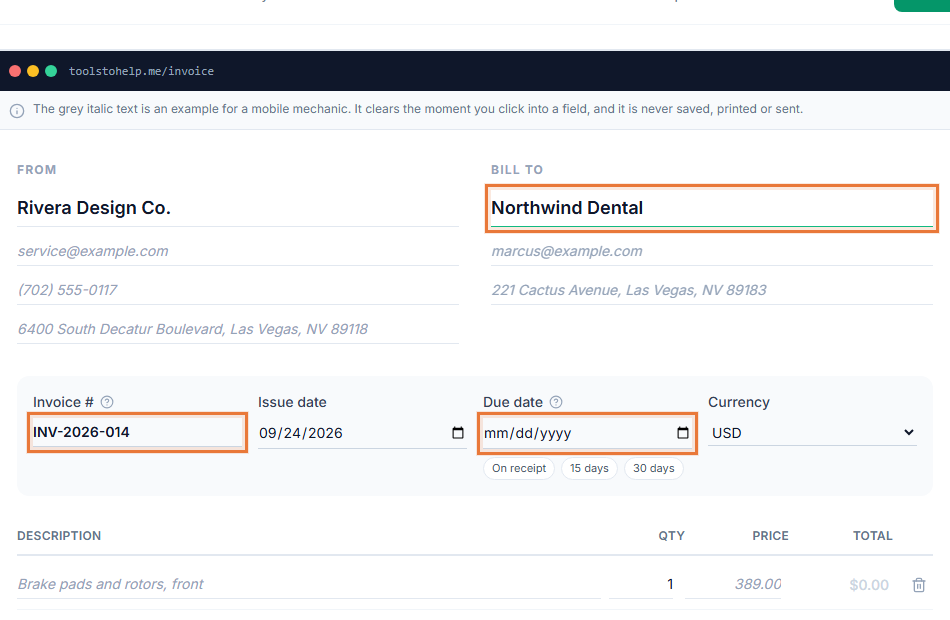
Contractor invoicing software has to handle a job that changes shape as it goes: a quote up front, a deposit before materials get ordered, receipts that pile up during the work, and a final invoice that has to match what was actually done. The Invoice Generator keeps the quote, the costs and the invoice in one place, so nothing gets lost between the truck and the paperwork.
How a contract job moves through the Invoice Generator
- Send an estimate. List labor and materials with your price, and let the client review and sign it in their browser before you commit to the job.
- Bill a deposit if the job is large. Send a deposit invoice before you order materials or schedule the crew.
- Log costs as the job runs. Track material, equipment and subcontractor expenses by category as receipts come in.
- Invoice the finished work. Create the invoice from the approved estimate's line items, add anything that changed, and share the link or download the PDF.
Contractor invoicing software that matches how jobs run
- The quote and the invoice match. Building the invoice from the approved estimate's line items keeps the two consistent, so there is no argument about what was agreed.
- You can see who has paid. Invoice tracking shows the status of every job, from sent to viewed to paid, so you know who to follow up with.
- Looks like a real business. Add your company logo and colors, so the invoice matches your trucks and your signage.
- Costs are easy to review. Expenses export as a CSV, useful when you are working out what a job actually cost against what you charged.
Keeping a paper trail for every job
A job that runs long, or a client who disputes a charge, is much easier to handle when you have a signed estimate, a record of the deposit and a final invoice that match. Invoices and expenses export as CSV files you can hand to an accountant at tax time or check against a client's own paperwork, so you are not digging through old texts and paper receipts to reconstruct what happened on a job from months ago.
Who this fits
General contractors, electricians, plumbers, handymen and other trades all bill in a similar shape: a quote, sometimes a deposit, then an invoice for the finished job, occasionally with materials added along the way. Start from the contractor invoice template to see a filled-in example, then build your own version in the Invoice Generator.
Getting paid on the job or after it
A contractor invoice with a payment link gets paid faster than one that waits for a mailed check. If a client is dragging their feet on a finished job, read what to do when a client has not paid before you send a reminder, and check client management to see how saved client details cut down on repeat data entry across jobs.