 PDF Tools
PDF to Word extracts selectable text into a DOCX file you can edit in Word. Original images, fonts, styling and page layout are not reconstructed. Review the extracted text and arrange the document as needed.
What you need
- A free ToolsToHelp.Me account. PDF to Word always uses advanced server mode, which is included with a free account.
- The PDF you want as a Word document, up to 100 MB.
How to convert PDF to Word, step by step
- Open PDF to Word. Signed out, a panel explains that this feature needs a free account, in place of the upload area.
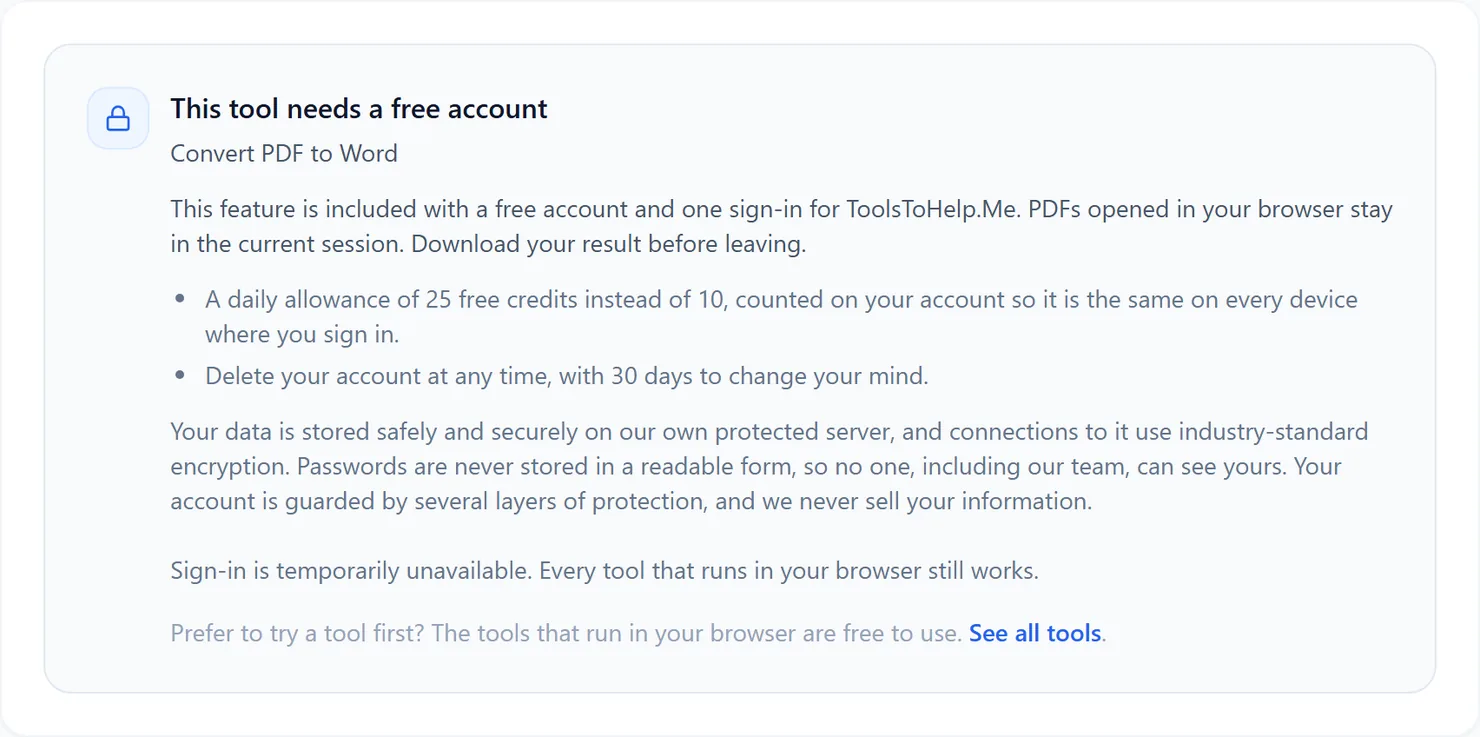
Signed out, PDF to Word explains that this feature needs a free account. - Sign in or create your free account, then return to PDF to Word to see the upload area.
- Choose the PDF you want to convert. PDF to Word works on one file at a time.
- Select Convert to DOCX. The credit cost for that file is shown below the button.
- Download the result. Select Download to save the DOCX file, then open it in Word to check the extracted text and arrange it as needed.
Credits: PDF to Word always uses advanced server mode, which costs 2 credits, plus 1 for a file over 50 MB and 1 for a document over 100 pages. You get 10 free credits a day, or 25 with a free account.
Why this needs a free account
The server extracts the PDF text and writes an editable DOCX document. PDF to Word uses advanced server mode for that reason, and it comes with a free account, alongside the rest of ToolsToHelp.Me under one sign-in.
Tips for a clean conversion
- Start from a text-based PDF, not a scan. A scanned page has no text to extract; run it through PDF OCR first.
- Check tables and columns closely. The output does not reconstruct their layout; arrange the extracted text into the structure you need.
- Going the other way? Use Word to PDF to turn a document back into a PDF once you are done editing.