 PDF Tools
PDF to Excel extracts selectable text into an XLSX workbook, with one sheet per PDF page. Wider spaces separate text into cells. Original table structure, formulas, images and formatting are not reconstructed, so check the cell alignment before sorting or calculating.
What you need
- A free ToolsToHelp.Me account. PDF to Excel always uses advanced server mode, which is included with a free account.
- The PDF you want as a workbook, up to 100 MB.
How to convert PDF to Excel, step by step
- Open PDF to Excel. Signed out, a panel explains that this feature needs a free account, in place of the upload area.
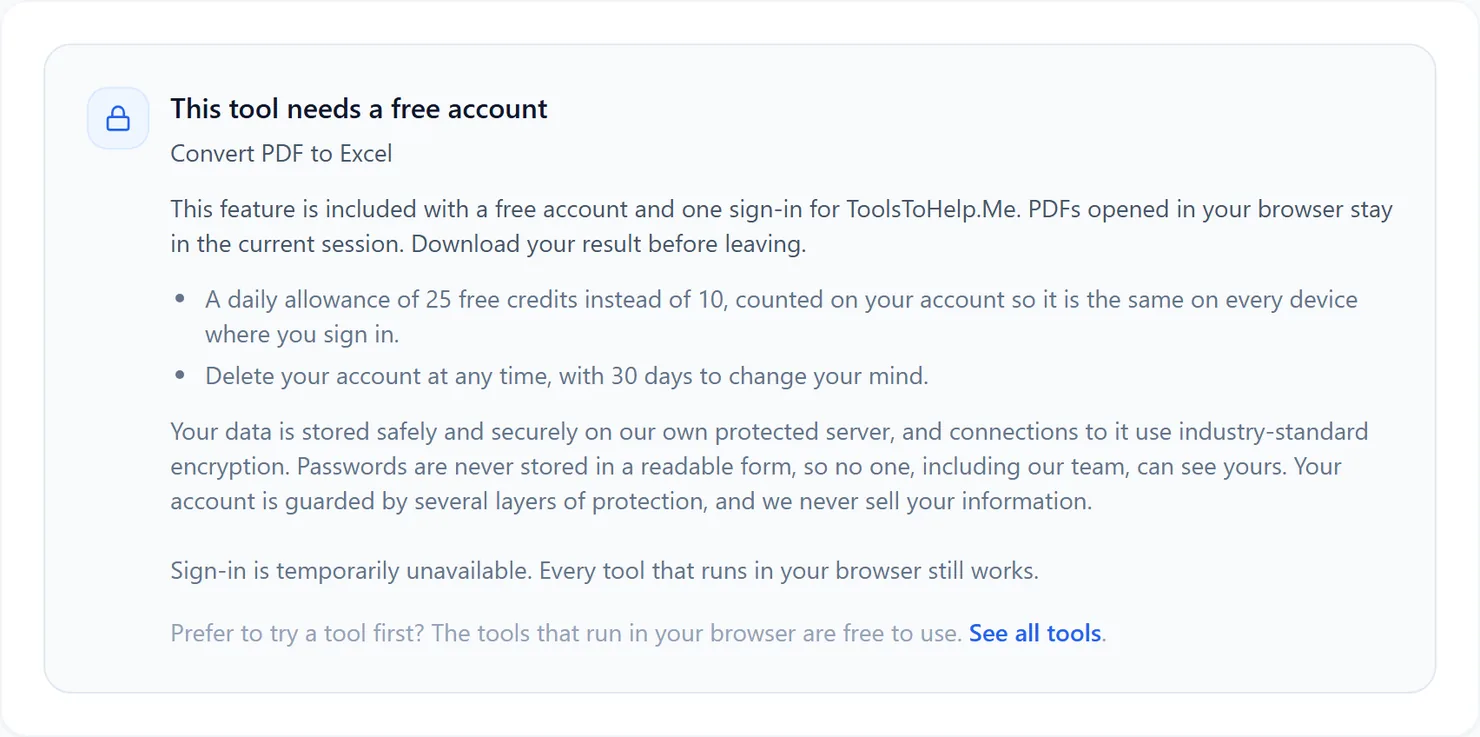
Signed out, PDF to Excel explains that this feature needs a free account. - Sign in or create your free account, then return to PDF to Excel to see the upload area.
- Choose the PDF you want to convert. PDF to Excel works on one file at a time.
- Select Convert to XLSX. The credit cost for that file is shown below the button.
- Download the result. Select Download to save the workbook, then open it to check how the rows and columns came across.
Credits: PDF to Excel always uses advanced server mode, which costs 2 credits, plus 1 for a file over 50 MB and 1 for a document over 100 pages. You get 10 free credits a day, or 25 with a free account.
Why this needs a free account
The server extracts text with its spacing and separates it into spreadsheet rows and cells. PDF to Excel uses advanced server mode for that reason, and it comes with a free account, alongside the rest of ToolsToHelp.Me under one sign-in.
Tips for a clean conversion
- Start from a text-based PDF, not a scan. A scanned page has no text to extract; run it through PDF OCR first.
- Check the sheet-per-page layout. If your data spans several pages, you may want to combine the sheets afterward in Excel.
- Going the other way? Use Excel to PDF to turn a workbook into a PDF for sharing.