 PDF Tools
Excel to PDF turns an XLS or XLSX spreadsheet into a PDF, so you can share numbers with someone who does not have Excel, or keep a fixed copy of a report as it looked on a given day. It runs in advanced server mode.
What you need
- A free ToolsToHelp.Me account. Excel to PDF always uses advanced server mode, which is included with a free account.
- Your spreadsheet, XLS or XLSX, up to 100 MB.
How to convert Excel to PDF, step by step
- Open Excel to PDF. Signed out, you will see a panel explaining that this feature needs a free account, in place of the upload area.
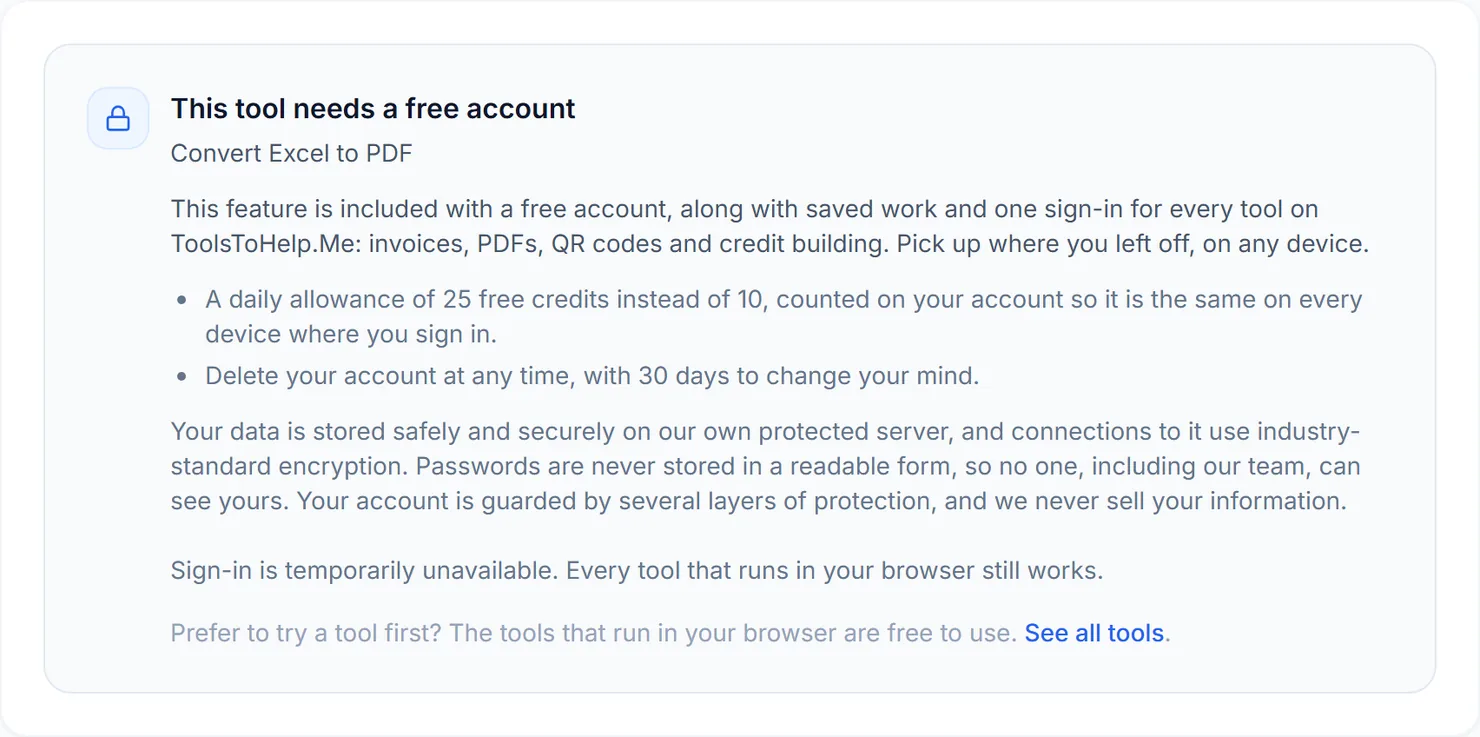
Signed out, Excel to PDF explains that this feature needs a free account. - Sign in or create your free account, then return to Excel to PDF to see the upload area.
- Choose your spreadsheet, or spreadsheets. You can add more than one XLS or XLSX file at once.
- Select Convert. The button names how many files will be converted, with the credit cost shown below it.
- Download the result. Each file gets its own Download button, and a ZIP option appears when you convert more than one.
Credits: Excel to PDF always uses advanced server mode, which costs 2 credits per file, plus 1 for a file over 50 MB. You get 10 free credits a day, or 25 with a free account.
Why this needs a free account
Rendering a spreadsheet the way Excel would print it, with the right page breaks and scaling, is more than a browser can do reliably on its own. Excel to PDF uses advanced server mode for that reason, and advanced server mode comes with a free account, alongside the rest of ToolsToHelp.Me under one sign-in.
Tips for a clean conversion
- Set your print area in Excel first, if you only need part of a large sheet; the PDF follows what would print.
- Check column widths in the PDF. A sheet that is wider than one printed page will split across pages left to right.
- Need the numbers back out of a PDF? Use PDF to Excel to pull text and table rows into a workbook.