 PDF Tools
Extracting pages copies the ones you name out of a longer document and into a single new PDF, in the order they originally appeared. It is the fastest way to pull a chapter, a form, or a handful of pages out of something larger to send on its own.
What you need
- One PDF file, up to 100 MB.
- The page numbers to keep. The tool shows the total page count as soon as you add the file.
How to extract pages from a PDF, step by step
- Open Extract PDF Pages and select Select files, or drag your PDF onto the upload area.

The Extract PDF Pages tool, ready for your file. - Name the pages to extract. Separate pages with commas, and use a hyphen for a range, such as 1-3, 5, 7-9. A preview shows exactly which pages, in order, will end up in the new file.
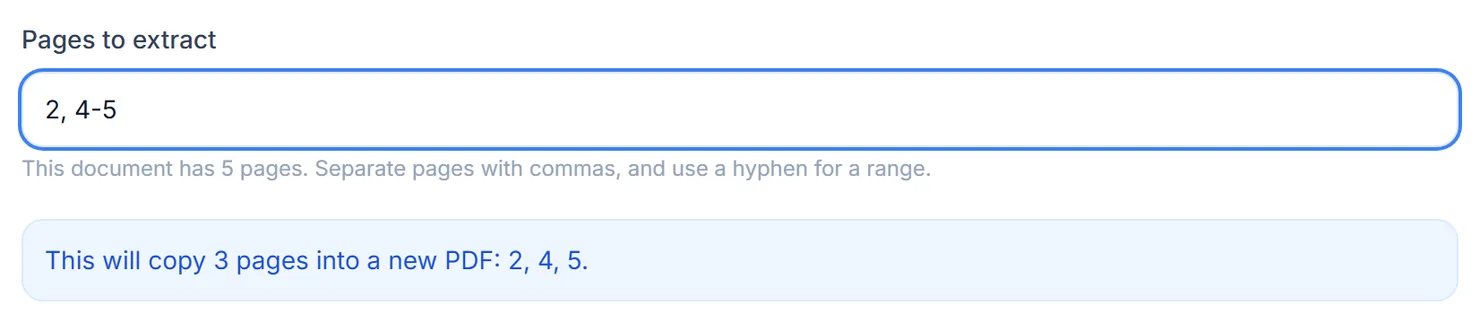
The preview lists the exact pages that will be copied, always in document order. - Select Extract these pages.
- Download the result. When you see Processing complete, select Download to save the new PDF.
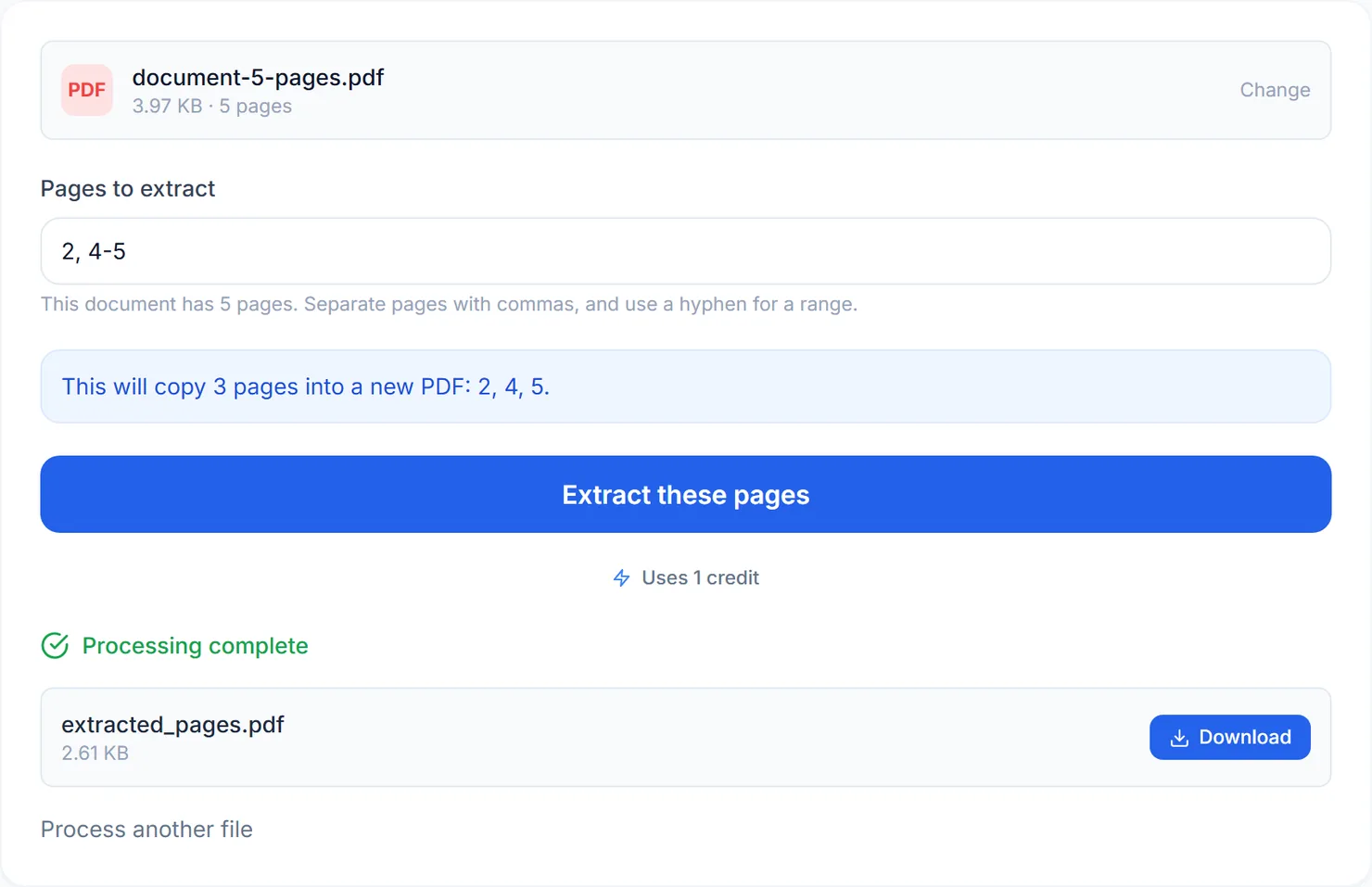
The new file, with only the pages you named, is ready to download.
Credits: extracting pages uses 1 credit, which your free daily credits cover. You get 10 free credits a day, or 25 with a free account.
Extract Pages or Split PDF?
Both tools take a set of page numbers, but they end up doing different jobs. Extract PDF Pages combines everything you name into one file. Split PDF, when you choose its "By range" or "Chosen pages" option, makes a separate file for every number or range you type instead. If you are not sure which you need: one document with just the pages you want is Extract, several smaller documents is Split.
Tips for a clean result
- Order does not need to match your typing. Whatever order you type the page numbers in, the result follows the document's own page order.
- Check the page count first. It is shown next to the file as soon as you add it, so you can check your numbers against it.
- Combining pages from more than one document? Extract from each file separately, then use Merge PDF to combine the results.
- Need the pages in a different order afterward? Use Rearrange Pages on the extracted file.