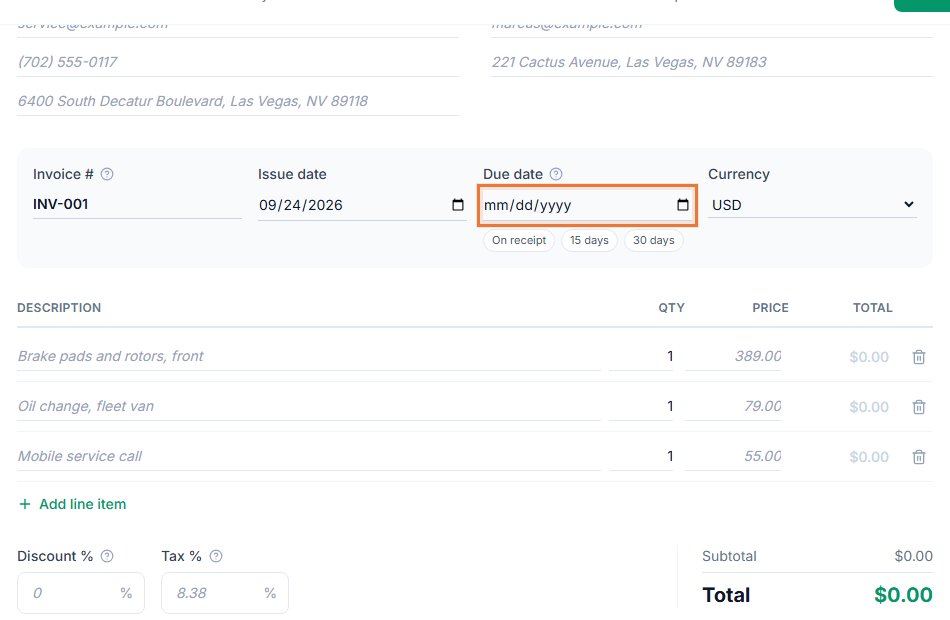
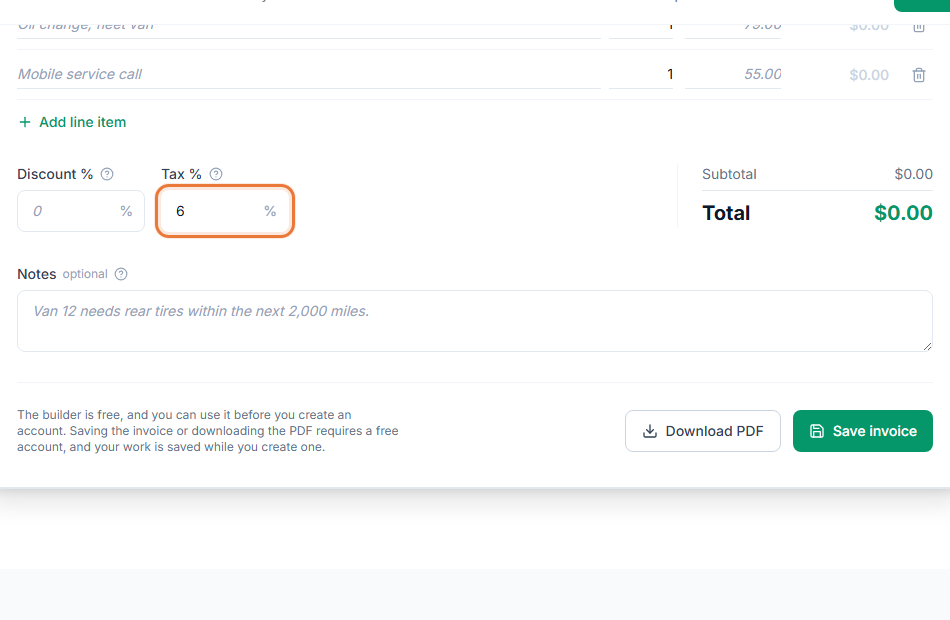
Free invoicing software for small business owners has to do more than print a PDF. Between quoting new work, keeping customer records straight, tracking what the business spends and knowing which invoices are still unpaid, the paperwork can eat as much time as the work itself. The Invoice Generator keeps all of it in one free account instead of spread across a spreadsheet, a separate customer list and a shoebox of receipts.
How day-to-day billing works in the Invoice Generator
- Quote new work. Send an estimate your customer can review and sign in their browser before you commit.
- Save the customer. Their details are stored once, so the next invoice to the same customer takes a minute, not ten.
- Log expenses as they happen. Track supplies, travel or other costs by category, so you know what the business is actually spending.
- Invoice, share and follow up. Send the invoice link or a PDF, add a payment link, and check invoice tracking to see who still owes you.
Free invoicing software for small business owners who wear every hat
- One place for customers, invoices and expenses. You are not maintaining a separate spreadsheet for each.
- Reports you can act on. Export invoices and expenses as a CSV file for your own review or your accountant, without re-entering anything.
- Looks professional. Add your logo and a color that matches your business, so every invoice and estimate looks the same, whoever sends it.
- Clear terms mean fewer late payments. See invoice payment terms explained for wording that sets expectations up front.
Records you can hand to your accountant
Come tax time, the business that can export a year of invoices and expenses in a few clicks has an easier time than the one piecing records together from a shoebox of receipts and a scattered spreadsheet. Reports cover both sides of the ledger, what customers owe you and what the business has spent, so your accountant gets clean numbers instead of a pile of paper to sort through first.
Who this fits
Shops, service businesses, small studios and any owner-operator who bills more than a handful of customers a month will find the same shape here: quote, invoice, track, get paid, repeat. Start from the small business invoice template to see what a complete invoice includes, then build your own.
Keeping the numbers straight
Numbering your invoices consistently matters once you are sending more than a few a month. See how to number your invoices, and use reports to check what is outstanding before it becomes a problem. If a customer is not paying, what to do when a client has not paid covers next steps.