Sending invoices tells you what you billed. Invoice reports tell you what you actually earned, who still owes you, and how late they are. The Invoice Generator builds all four from the invoices and expenses you already have, with nothing extra to enter.
None of the four reports ask you to set anything up first. As soon as you have a paid invoice, an overdue one, a client with more than one job, or a logged expense, the matching report already has something to show. There is no separate setup screen and no extra fields to fill in beyond what you already put on your invoices.
How it works
- Open Reports. Four tabs are ready as soon as you have invoices or expenses saved.
- Profit and Loss. Revenue from paid invoices against your logged expenses, by month, for the year you pick.
- Top Clients. Who you have billed the most, what they paid, and what is still outstanding.
- Aging and Tax. Aging groups unpaid invoices by how late they are. The Tax summary totals tax collected on paid invoices for the year, with a CSV export.
Why check your reports
- Real profit, not just revenue. The P&L tab subtracts your expenses from what you collected, not from what you billed.
- Know who to chase. Aging sorts overdue invoices so the oldest ones are easy to find. See what to do when a client is not paying an invoice.
- Know your best clients. Top Clients shows who is worth the extra attention, and who is carrying an outstanding balance.
- Tax season, handled once. Export the tax summary as a CSV and hand it to your accountant instead of tallying invoices by hand. This is a summary, not tax advice.
The four tabs, one at a time
Profit and Loss picks a year and shows revenue against expenses by month, ending in a net profit figure. Top Clients ranks the people you have billed the most, with what they have paid and what is still outstanding next to each name. Aging takes every unpaid invoice and sorts it into current, 1-30, 31-60, 61-90 or 90-plus days overdue. Tax Report totals the tax you collected on paid invoices for a chosen year, with the only CSV export among the four.
All four pull from the same underlying invoices, so a number in one tab always agrees with what the others show. Mark an invoice paid, and it drops out of Aging, adds to Profit and Loss for that month, and updates the client's totals in Top Clients, all at once.
Who uses it
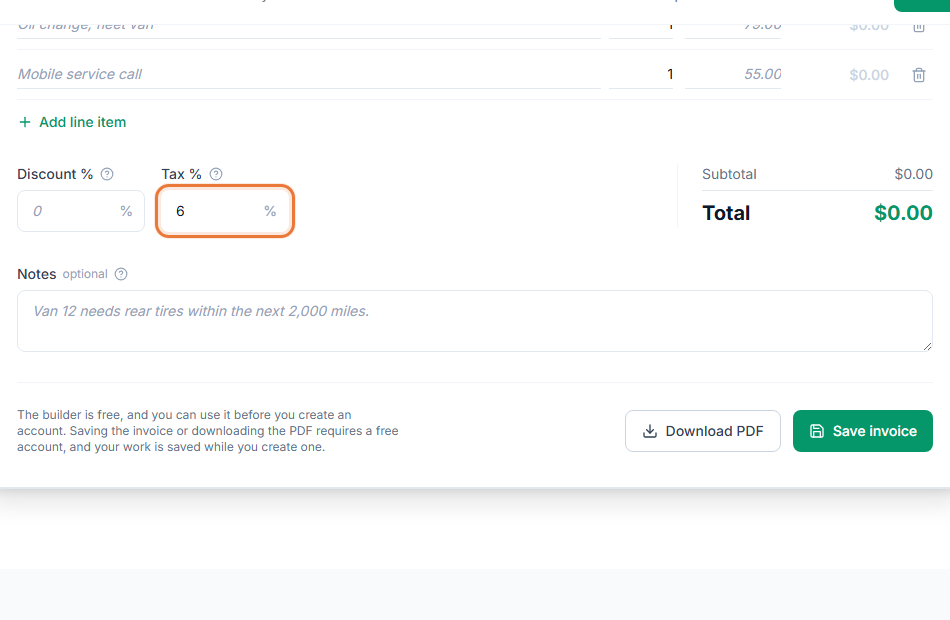
Reports matter most once you have enough invoices that memory is not enough: small businesses tracking margin, consultants with several retainer clients, contractors juggling more than one job at a time, and any freelancer heading into tax season. See sales tax on invoices for how tax rates on an invoice feed into the tax summary.
- Small business invoice template
- Consulting invoice template
- Invoicing for small businesses
- Invoicing for consultants
Works with the rest of the Invoice Generator
Reports read straight from your saved invoices, estimates, expenses and time entries, so there is nothing separate to keep updated. Mark an invoice paid or log an expense, and the next time you open Reports, the numbers already include it.