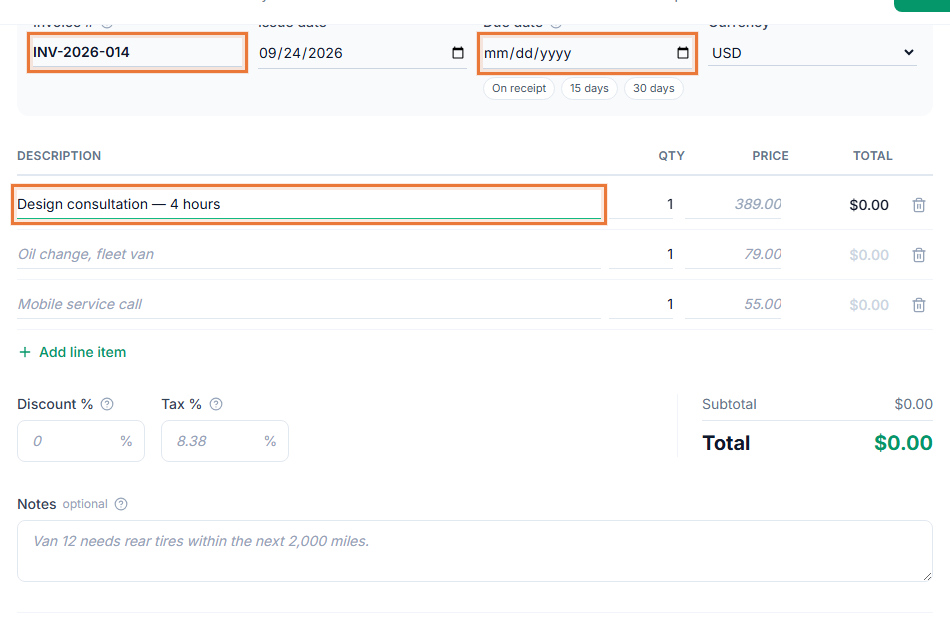
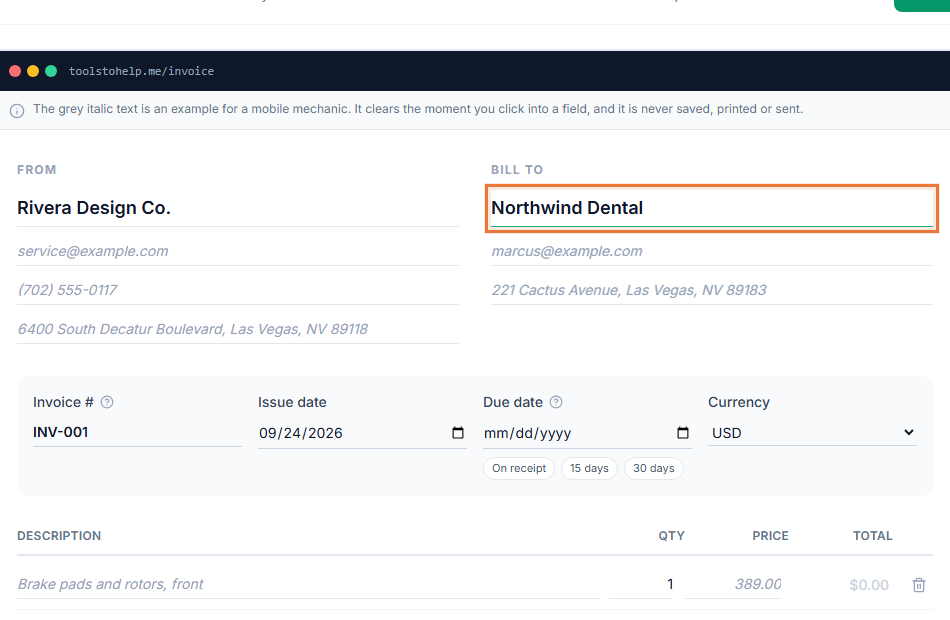
Invoicing software for consultants needs to handle hours that come from several clients at once, at different rates, and turn them into a clean invoice without an evening of retyping a spreadsheet. The Invoice Generator tracks the time, writes the invoice from it, and keeps a report you can hand off at tax time.
How consulting engagements move through the Invoice Generator
- Agree the scope. Send an estimate for the engagement if you want the client's sign-off in writing before you start.
- Log your hours. Add a time entry with a description, the client and your rate as you work through the engagement.
- Bill in one step. Select the unbilled entries for a client and convert them into an invoice, with the lines already filled in.
- Share and reconcile. Send the invoice link, and pull a report at the end of the month to see what you billed across every client.
Invoicing software for consultants who bill by the hour
- Different rates for different clients. Set the hourly rate per engagement, so a retainer client and a project client bill correctly without manual adjustment.
- No retyping hours into invoices. The invoice lines are written from your time entries, description, hours and rate included.
- A record you can hand to your accountant. Invoices, expenses and the tax report export as CSV, and see how to invoice hourly work for how to word the line items clearly.
- Clients can review before you start. An estimate they sign in their browser gives you a scope both sides agreed to.
Keeping every engagement documented
Consulting work often gets reviewed after the fact, whether that is a client auditing a retainer or your own accountant closing the year's books. A signed estimate shows what scope was agreed, and a report of your invoices and time entries shows what you actually billed against it. Having both on hand saves you from reconstructing an engagement from memory when a question comes up months later, and it makes handing numbers to your accountant a matter of exporting a file rather than pulling together records by hand.
Who this fits
Management, marketing, IT and financial consultants, plus coaches and advisors who bill by the hour or by retainer, all use invoicing the same way: track time against a client, bill it, repeat. Start from the consulting invoice template to see a filled-in example with typical line items and terms.
Keeping every client straight
Saved clients keep each engagement's contact details and rate on hand, so you are not hunting through email for an address. Add a Stripe payment link to your invoices and your client can pay directly from the link, and how to write an invoice covers the details worth getting right on every one you send.