Not every small business fits neatly into one trade template. A print shop, a boutique or a repair business often sells a mix of products and services on the same invoice, and may need to add sales tax on top. This template covers that general case.
Small business invoice example
Here is a filled-in example mixing printed products with an installation service, plus sales tax. Adjust the line items and tax rate to match your own business and state.
orders@example.com
Richmond, VA
Attn: Talia Munro
15 Grove St
Richmond, VA 23220
TermsNet 14
| Description | Qty | Rate | Amount |
|---|---|---|---|
| Custom menu printing | 100 | $1.25 | $125.00 |
| Window decal installation (service) | 1 | $85.00 | $85.00 |
| Business card printing | 500 | $0.18 | $90.00 |
What to include on a small business invoice
- Your business name and contact details. Add your logo if you have one.
- The client's billing details. Company name, contact person and address.
- A unique invoice number. A simple sequence such as INV-2026-201 is enough for most small businesses.
- The issue date and due date.
- One line per product or service, with quantity, rate and amount.
- Sales tax, shown as its own line where it applies to your state and what you sell.
- Payment terms and accepted methods.
How to word your line items
Whether you sell a physical product, a service, or both on the same order, each line should name what was delivered and show a quantity and rate that multiply to the amount shown.
- Products: "Custom menu printing" with the quantity printed and the per-unit price.
- Services: "Window decal installation (service)" marked clearly as labor, separate from any materials.
- Tax: add a subtotal line before tax, then the tax amount, so a client can verify the tax rate applied.
Payment terms for general small business invoices
- Net 14 or Net 30 for business clients and repeat orders.
- Due on receipt for one-off retail or walk-in orders.
- A deposit for custom or large-quantity orders you have to produce before delivery.
Invoice payment terms explained covers how to choose terms for different kinds of customers.
Making the invoice with the Invoice Generator
- Open the Invoice Generator and enter the client's details and order.
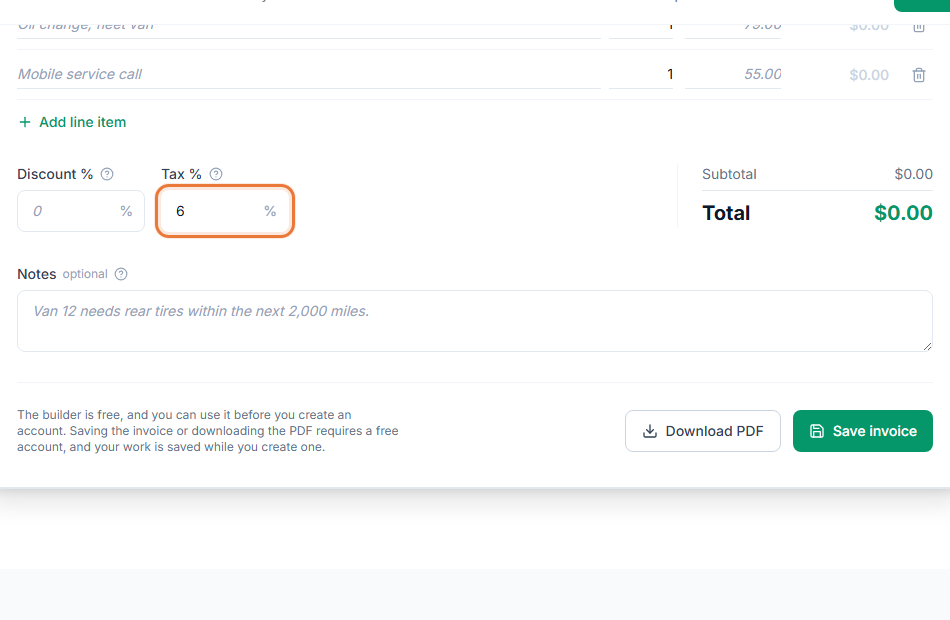
- Add each product or service as its own line, then add a tax line if it applies.
- Create a free account to save it. Your work is kept while you sign up, and your logo and accent color appear on every invoice.
- Share the invoice link or download the PDF, and see when your client has viewed it.
If you want an overview of everything you have billed, you can export your invoices to CSV so you can review them outside the browser.