An hourly invoice lives or dies on whether the client can check the math. Each line should show a task, the hours it took and the rate, so the amount is simply hours multiplied by rate, with nothing left to take on faith.
Hourly invoice example
Here is a filled-in example for a week of virtual assistant work billed at one rate. Adjust the tasks and rate to match your own work.
INVOICE
Ashford Virtual Assistancehello@example.com
Nashville, TN
Bill toLund & Cole Law Group
Attn: Marie Lund
60 Courthouse Sq
Nashville, TN 37201
Attn: Marie Lund
60 Courthouse Sq
Nashville, TN 37201
Billing periodSeptember 1 to 5, 2026
TermsNet 14
TermsNet 14
| Description | Qty | Rate | Amount |
|---|---|---|---|
| Inbox and calendar management (hours) | 8 | $35.00 | $280.00 |
| Client research report (hours) | 4 | $35.00 | $140.00 |
| Data entry and CRM updates (hours) | 3.5 | $35.00 | $122.50 |
Total due$542.50
Time log available on request. Payment by bank transfer or the Pay now link on this invoice.
What to include on an hourly invoice
- Your name or business name and contact details.
- The client's billing details. Company name, contact person and billing address.
- A unique invoice number. Useful for tracking billing periods over time.
- The billing period covered, such as a specific week or month, so the client knows what the invoice spans.
- Each task with its hours and rate, so the amount is a visible calculation, not a flat number.
- Your payment terms, such as how many days the client has to pay.
How to word your line items
The goal of an hourly line item is to let someone recreate the amount from the description alone: the task, the hours and the rate.
- By task: "Inbox and calendar management (hours)" with the hours and rate shown, useful when your work covers several kinds of tasks.
- By billing period: note the date range covered in the invoice header, so recurring clients can tell one invoice from the next at a glance.
- Fractional hours: show them as decimals, such as 3.5 hours, so the rate times the time still checks out exactly.
Payment terms for hourly work
- Net 14 or Net 30 for ongoing clients billed on a regular schedule.
- Weekly or biweekly invoicing, which keeps the amount owed small and predictable for both sides.
- A cap or check-in point, agreed in advance, if the client wants to be notified before hours exceed a certain number.
Invoice payment terms explained covers how to choose terms that fit ongoing hourly work.
Making the invoice with the Invoice Generator
- Open the Invoice Generator and set the billing period for this invoice.
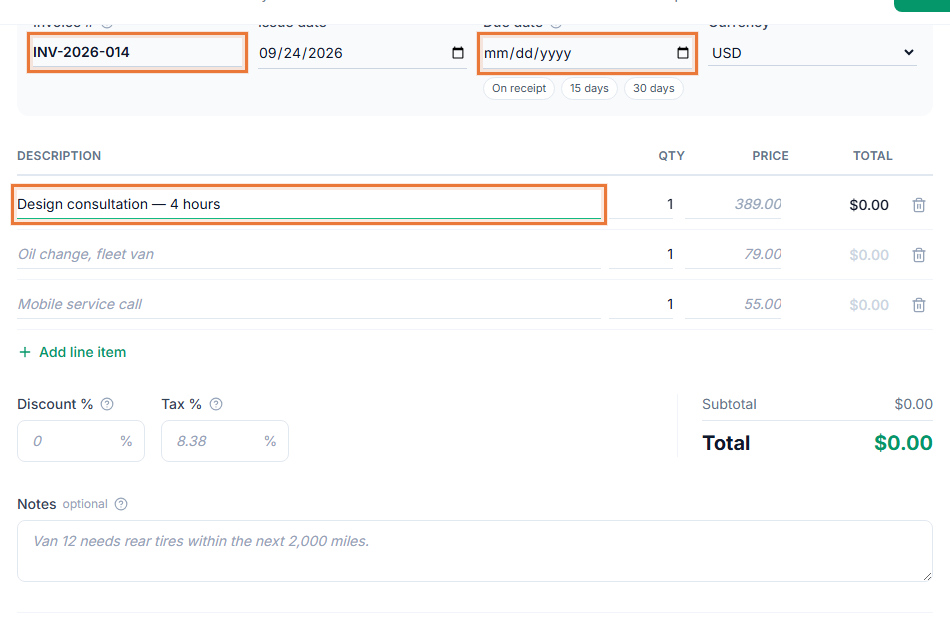
- Add each task with its hours and rate. The totals update as you type.
- Create a free account to save it. Your work is kept while you sign up, and the client is saved for your next invoice.
- Share the invoice link or download the PDF. You can see when the client has viewed it.
If you use time tracking with hourly rates in the app, unbilled time converts into invoice lines in one step, so you never retype hours from a separate log.