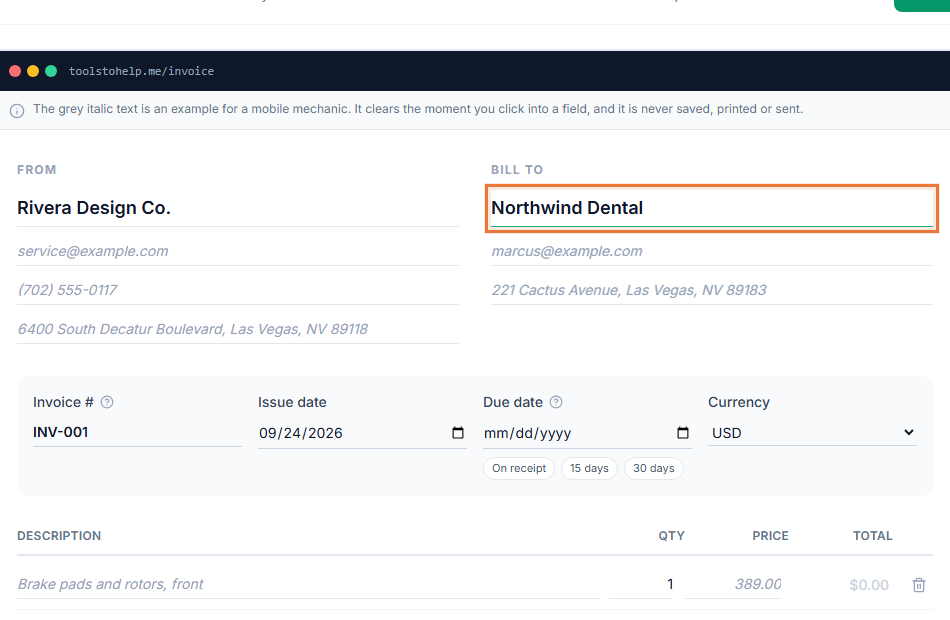
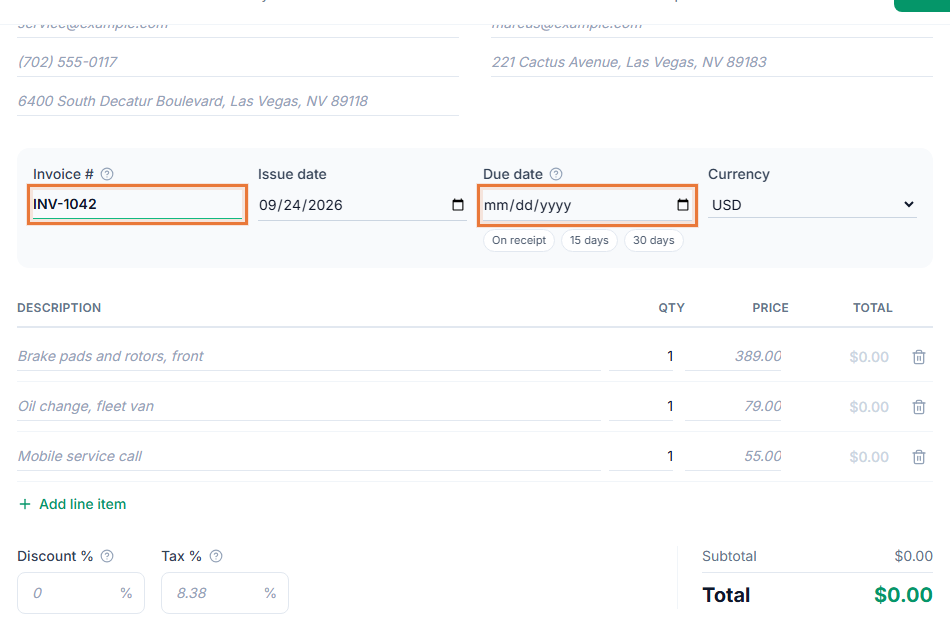
An invoice number exists for one reason: so a specific invoice can be found again and never confused with another one. It sounds like a small detail, but a missing or duplicated invoice number is one of the most common ways bookkeeping gets tangled, especially once you are invoicing more than a handful of clients.
This guide covers the common numbering formats, how to pick one, and what to do when a number gets skipped or a duplicate slips through.
Why invoice numbers matter
A unique invoice number lets you, your client and your accountant refer to the exact same document without describing it. "The invoice from last Tuesday" is ambiguous. "INV-2026-014" is not. It also matters for your own records: if a client disputes a payment, or an accountant is reconciling your books, the invoice number is the fastest way to pull up the right one.
Common invoice number formats
- Sequential. 1001, 1002, 1003, and so on, counting up forever. Simple to maintain and works well if you do not need to see the year or the client at a glance.
- Date-based. 2026-001, 2026-002, restarting at the start of each year. Makes it obvious when an invoice was issued just by reading the number.
- Client-based. ACME-001, ACME-002 for a specific client. Useful if you invoice a small number of repeat clients often and want their invoices to sort together.
- Prefix plus padded number. INV-00014, using leading zeros so the numbers stay the same length and sort correctly as text, not just as numbers.
None of these is objectively better. The right one is whichever you will actually use consistently.
Choosing a format for your business
If you invoice a handful of clients occasionally, a simple sequential number is enough. If you invoice often and want the year visible without opening the invoice, a date-based format helps. If you work with a small number of ongoing clients and want their invoices to group together in a folder or a search, a client-based prefix does that job.
Whatever you choose, write it down somewhere, even just a note to yourself, so you do not quietly drift between two formats over time.
The rules that keep a numbering system working
- Never reuse a number. Not for a cancelled invoice, not for one you sent by mistake. Retire the number and note it as void in your own records instead.
- Never go backward. Each new invoice should get a higher number, or the next one in the sequence, so the order always matches when invoices were issued.
- Keep the length consistent. Padding with leading zeros, such as 001 instead of 1, keeps invoices sorting correctly once you pass number 9 or 99.
- Do not encode information you might need to change. A client's name in the number gets awkward if that client renames their company. A project code can outlive the project. Keep it simple.
What to do about gaps and mistakes
Everyone eventually skips a number, sends a duplicate by accident, or cancels an invoice partway through. When it happens, do not try to renumber invoices you have already sent to fix it. Instead, note the gap or the duplicate in your own records, pick a clean number for your next invoice, and move forward. A single documented gap is normal. A pattern of gaps with no explanation is what actually raises questions later.
Setting your invoice number in the builder
 Inside Invoice Generator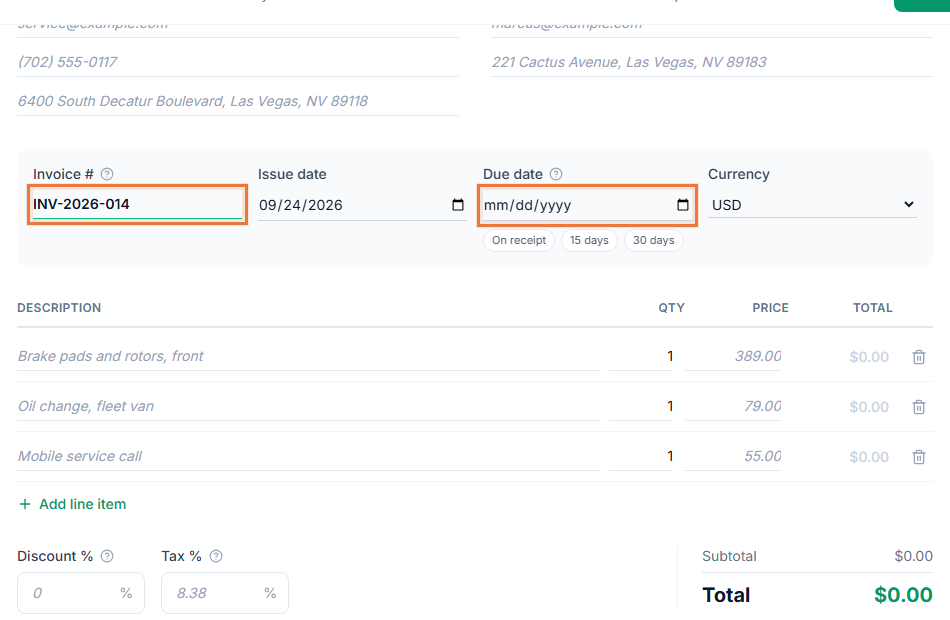
- Open the Invoice Generator. The builder at toolstohelp.me/invoice/ is open to everyone.
- Pick your format before your first invoice. Decide on sequential, date-based or client-based, and start from there.
- Enter the invoice number on each new invoice. Increase it from your last one, and never reuse a retired number.
- Save the invoice. Create a free account to save it and get a shareable link. Your saved invoices give you a running history you can check back through when you need the next number.
The short version
Pick a format, keep it unique, keep it moving forward, and never reuse a retired number. That is the whole system. The specific format matters far less than sticking to whichever one you choose.