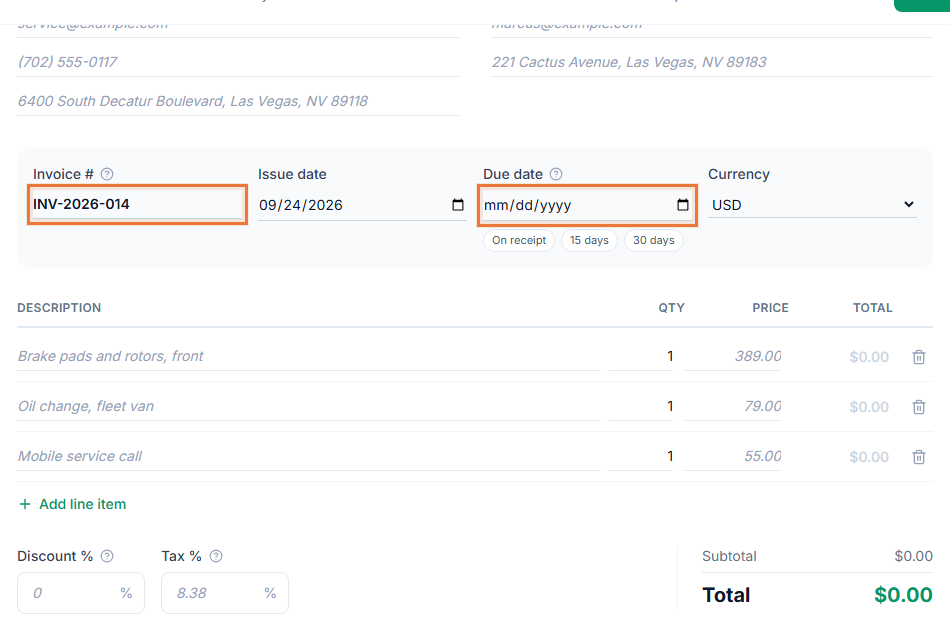
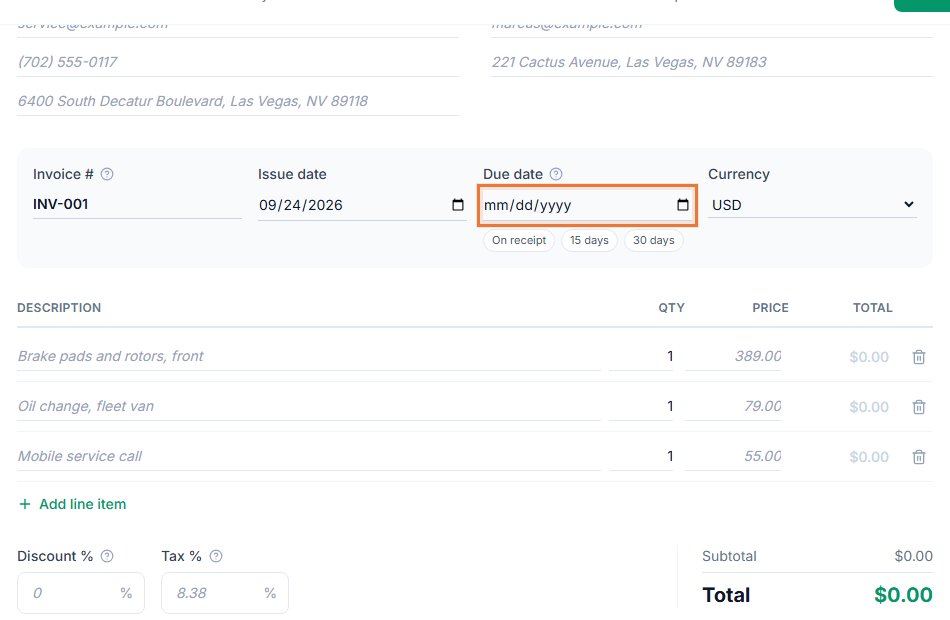
An invoice with no visibility is just a document you hope someone reads. Invoice tracking tells you, without asking your client, whether they have opened the link yet, and it flags anything unpaid once it passes its due date.
The status lives on the invoice itself, not in a separate log you have to check. Open your invoice list and every document already shows where it stands, so you can tell at a glance which ones need a follow-up and which ones are simply waiting on a date that has not arrived yet.
How it works
- Save it as a draft. A new invoice starts as Draft, visible only to you.
- Mark it sent. Copy the client link, send it your own way, and set the status to Sent.
- Watch it turn to Viewed. The status updates on its own the first time your client opens the link.
- Close it out. Set it to Paid once the money arrives, or Cancelled if the job falls through. Anything unpaid past its due date shows as Overdue instead.
Why track invoice status
- No guessing. A Viewed status tells you the client opened it, so a follow-up message does not start with "did you get this?"
- Overdue stands out. Past-due invoices are flagged automatically, with the number of days late.
- One list, every client. See every invoice's status in one place instead of checking each one by hand.
- Feeds your reports. Status is what the Aging report groups by, so late invoices surface without you tallying them yourself. See what to do when a client is not paying an invoice.
What each status actually means
Draft means the invoice exists only in your account; nothing has gone to your client yet. Sent means you have shared the link, but the client has not opened it. Viewed means they have opened it at least once, whether or not they have paid. Paid and Cancelled both close the invoice out, the difference being whether money changed hands. Overdue is not a status you set at all: it is what Sent or Viewed becomes automatically once the due date has passed and the invoice is still unpaid.
Nothing about the underlying document changes when a status changes. The line items, the client and the total stay the same; only the label at the top of the invoice moves, so you never lose track of what was actually billed while you follow its progress toward getting paid.
Who uses it
Tracking status matters most once you are juggling more than a couple of open invoices: consultants with several retainer clients, contractors mid-project, cleaning businesses billing after every visit, and any freelancer who bills more than one client a month. See invoice payment terms for setting a due date that makes Overdue mean something.
- Hourly invoice template
- Plumbing invoice template
- Invoicing for consultants
- Invoicing for contractors
Works with the rest of the Invoice Generator
Status is what powers the Aging and Top Clients tabs in Reports, and it is what decides whether a Pay now button or a Sign this invoice option still shows on the shared link. Once an invoice is Paid or Cancelled, those actions disappear for your client automatically.