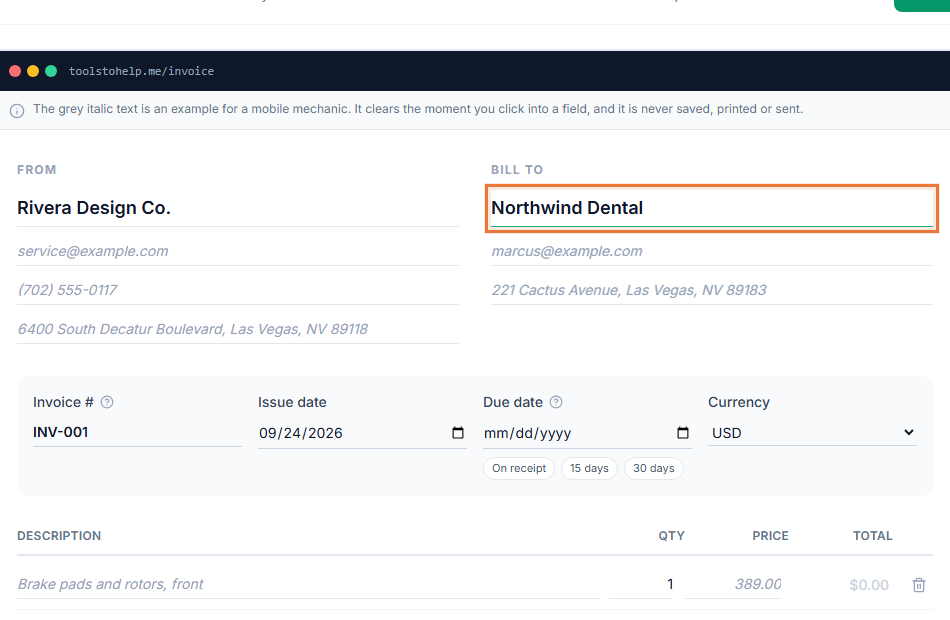
A plain black-and-white invoice does not look wrong, exactly, but it does not look like it came from a real business either. An invoice with logo and a matching accent color takes a minute to set up once, and every document you send after that looks deliberately yours.
Branding here means two things kept simple on purpose: an image and a color, both set in your account settings rather than fiddled with on every document. There is no separate design tool to learn and no template to pick apart, just the two choices that do the most to make an invoice look like it belongs to your business.
How it works
- Upload your logo. In Settings, add a PNG, JPG, GIF or WebP file up to 2 MB.
- Pick an accent color. Choose a preset swatch or set any custom color.
- Save your profile. Both apply to every invoice and estimate from then on, no need to set them again.
- Check the client view. Open the shared link to see your logo and color exactly as your client will.
- Change it whenever you like. Swap the logo or the color at any time; every document, past and future, reflects whatever is currently saved.
Why brand your invoices
- Looks intentional. A logo and a consistent color read as a real business, not a template no one touched.
- Set once, applied everywhere. You do not add your logo to each invoice individually.
- Works without a logo too. No logo yet, so your business name and accent color still carry the document.
- Consistent across documents. Invoices and estimates share the same look, so a client sees one identity across everything you send.
Choosing a logo and a color
The logo upload accepts PNG, JPG, GIF or WebP files up to 2 MB. SVG files are turned away, since an SVG can carry code and the file is served from the same site your account lives on. For the accent color, pick one of the built-in swatches for something that reads well against white, or open the custom picker and match a color from your existing branding exactly.
If you do not have a proper logo file yet, a simple square crop of your existing mark, or even just your initials on a plain background, still reads better than a blank space. You can always replace it with something more polished later without touching anything else on your account.
Who uses it
Branding matters most for anyone whose invoice is also a bit of a portfolio piece: designers, photographers and creative freelancers, video producers sending a wrap invoice, along with any small business that wants to look established from the first invoice. See how to write an invoice for what else goes on the document besides your branding.
- Graphic design invoice template
- Photography invoice template
- Invoicing for designers
- Invoicing for photographers
Works with the rest of the Invoice Generator
Your logo and accent color show up on the PDF you download, the link you share, and the print version, so a client sees the same branded document no matter how they open it. Nothing about branding changes how you build the line items or set the total.