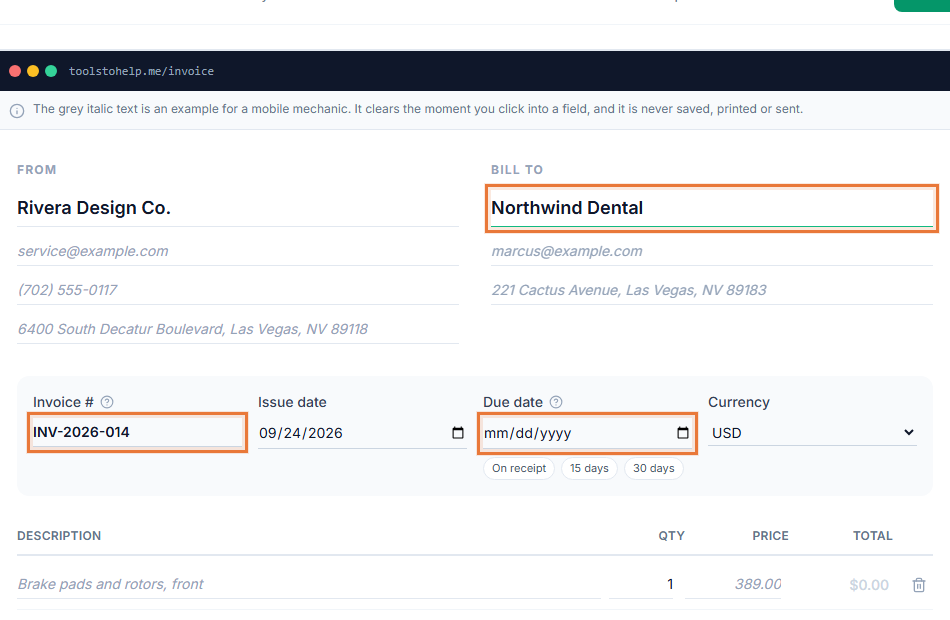
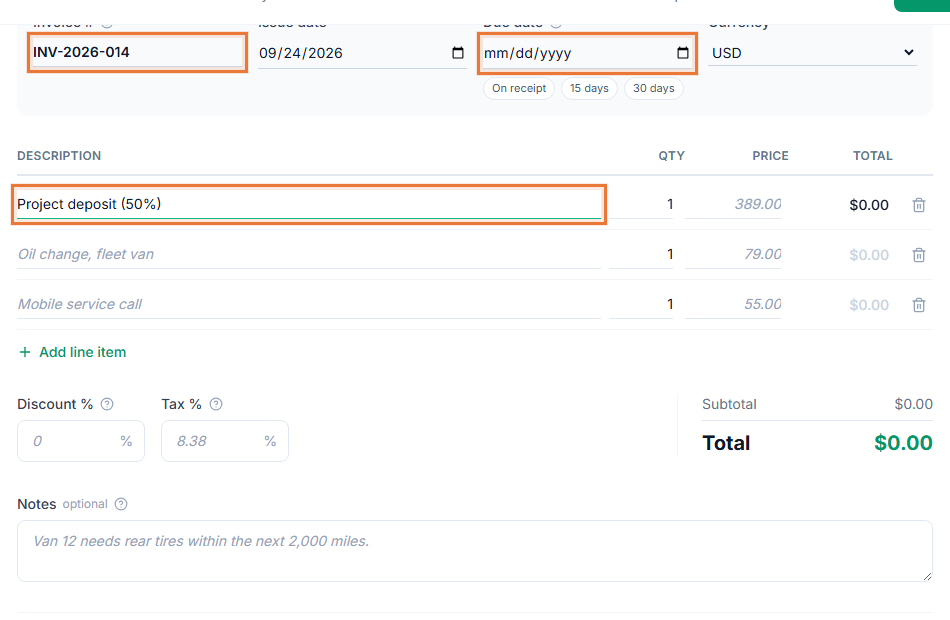
Invoicing for graphic designers is about more than getting paid. The scope has to be clear before you start, since revisions eat time that is hard to bill for later, and the paperwork you send should look as put-together as the work itself. The Invoice Generator handles the scope, the deposit and the branded invoice in one place.
How a design project moves through the Invoice Generator
- Scope the project. Send an estimate with your line items, whether that is a flat project fee or an hourly rate with a cap.
- Get it signed. Your client reviews and signs the estimate in their browser, so scope creep has something to point back to.
- Bill a deposit. Send a deposit invoice before you open the first file, especially for a new client.
- Deliver and invoice. Create the final invoice from the approved estimate, add your logo and colors, and share the link.
Invoicing for graphic designers that looks like your work
- The invoice looks like your work. Your logo and accent color appear on every estimate and invoice, not a default template.
- A signed scope protects your time. An e-signature on the estimate gives you something to reference if a client asks for extra rounds later.
- Deposits are built in. Bill a deposit as its own invoice, without a separate payment tool.
- Clients can ask questions on the invoice. Client comments let them flag something without a separate email thread.
A record of what was agreed, and what was paid
Design projects can drift, a client asks for one more version, a deadline slips, a scope grows past what was quoted. A signed estimate and a matching invoice give you something concrete to point back to if that happens, instead of relying on an email thread you would have to dig through. Reports also give you a clean list of every project you have billed, useful when a client comes back for a second job and you want to see what the last one actually included.
Who this fits
Freelance and studio graphic designers, brand designers and illustrators who quote project work and want their paperwork to look like the rest of their portfolio will find this fits how design projects actually run. Start from the graphic design invoice template to see a filled-in example with typical line items.
Getting paid without chasing emails
A payment link on the final invoice means a client can pay the moment a project wraps, instead of waiting on a check. See the difference between an estimate, a quote and an invoice if you are not sure which document to send at each stage of a project.