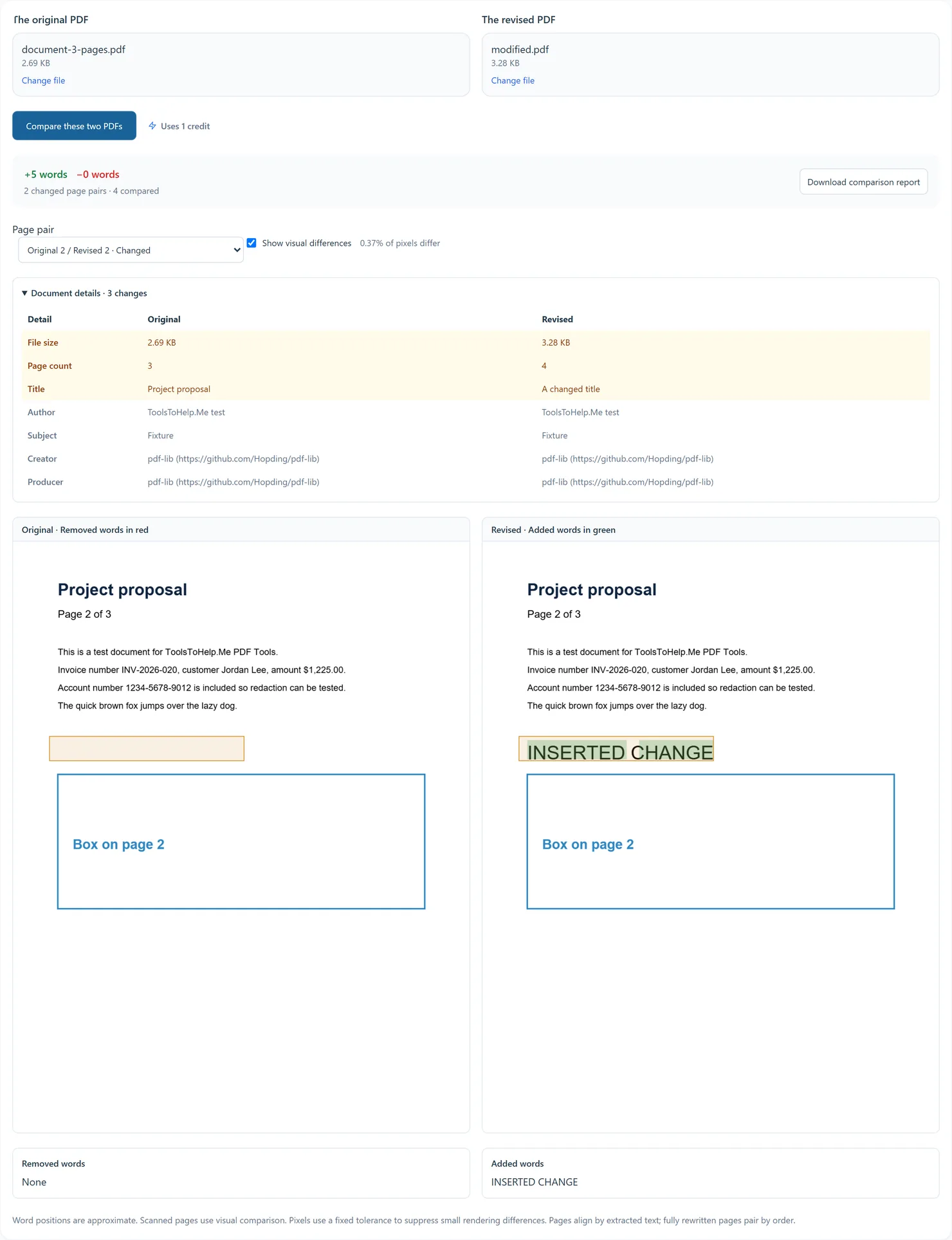
 PDF Tools
How to use View PDF
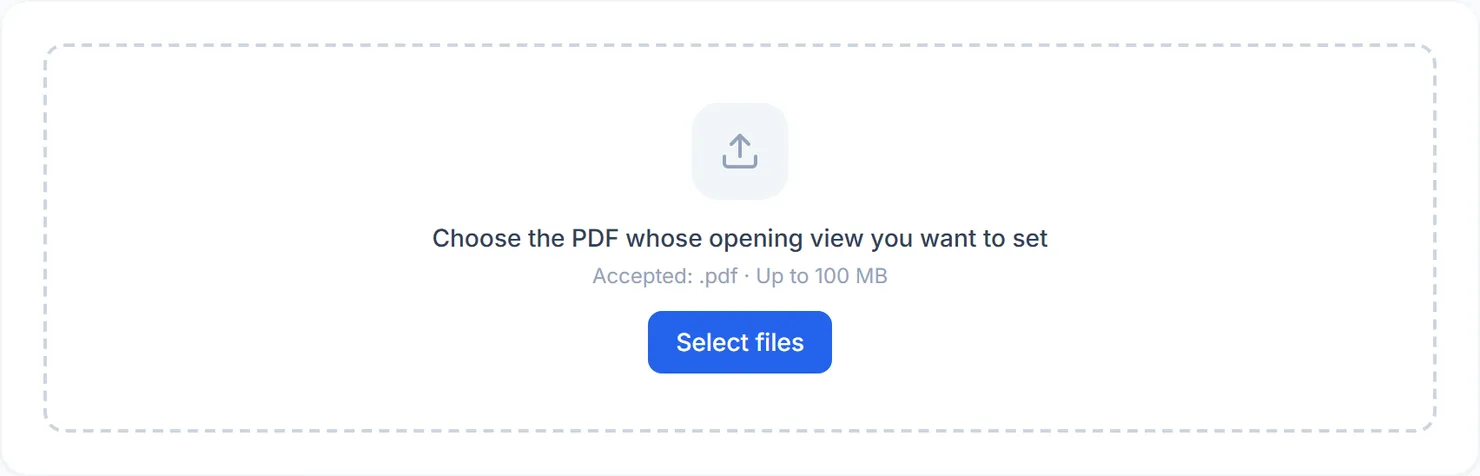
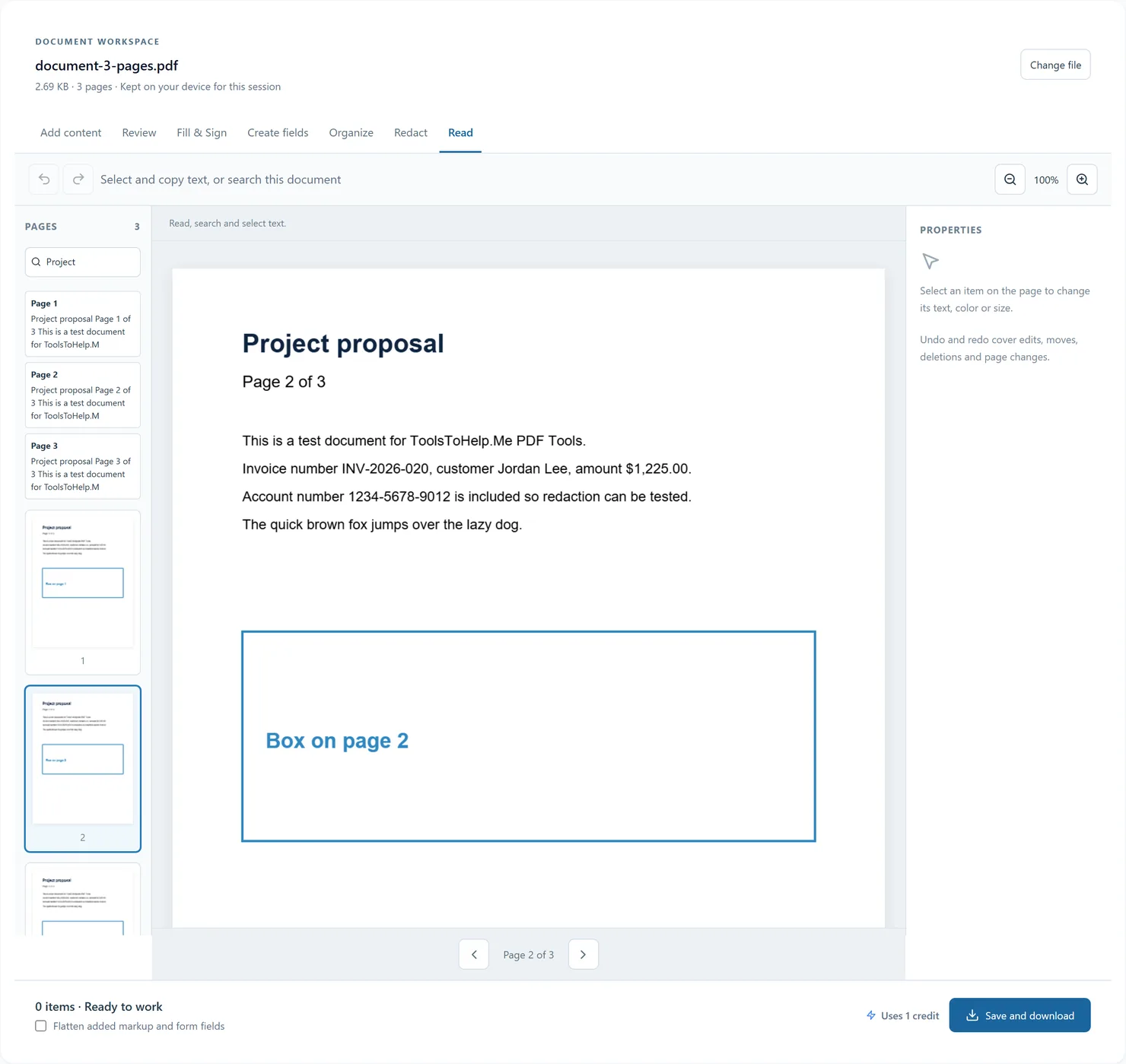
- Choose your PDF to open Read mode in the document workspace.
- Use page thumbnails or Previous page and Next page to navigate.
- Use Zoom in and Zoom out to inspect the page. Select existing document text to copy it.
- Enter wording in Find in document. Choose a search result to jump to its page.
- Choose another workspace mode when you need to review, fill, sign, organize or add content. The same document stays open.
Before you export
Search and selection require a text layer. For scans, use PDF OCR to add one over the original pages.
The document stays in memory for this browser session. Export a copy before closing or reloading the tab. Undo history is not saved in the PDF; added objects are saved for reopening unless flattened.