 PDF Tools
Create Invoice builds a complete invoice as a PDF: your company details, your client, the line items, tax and notes, formatted and ready to send. It downloads straight away, with no account required.
What you need
- Your company details: name, address, email address and phone.
- Your client's details: name, address and email address.
- Your line items, with a quantity and price for each.
How to create an invoice, step by step
- Open Create Invoice and fill in your details on the left and your client's on the right. The invoice number, dates and currency are prefilled and editable.
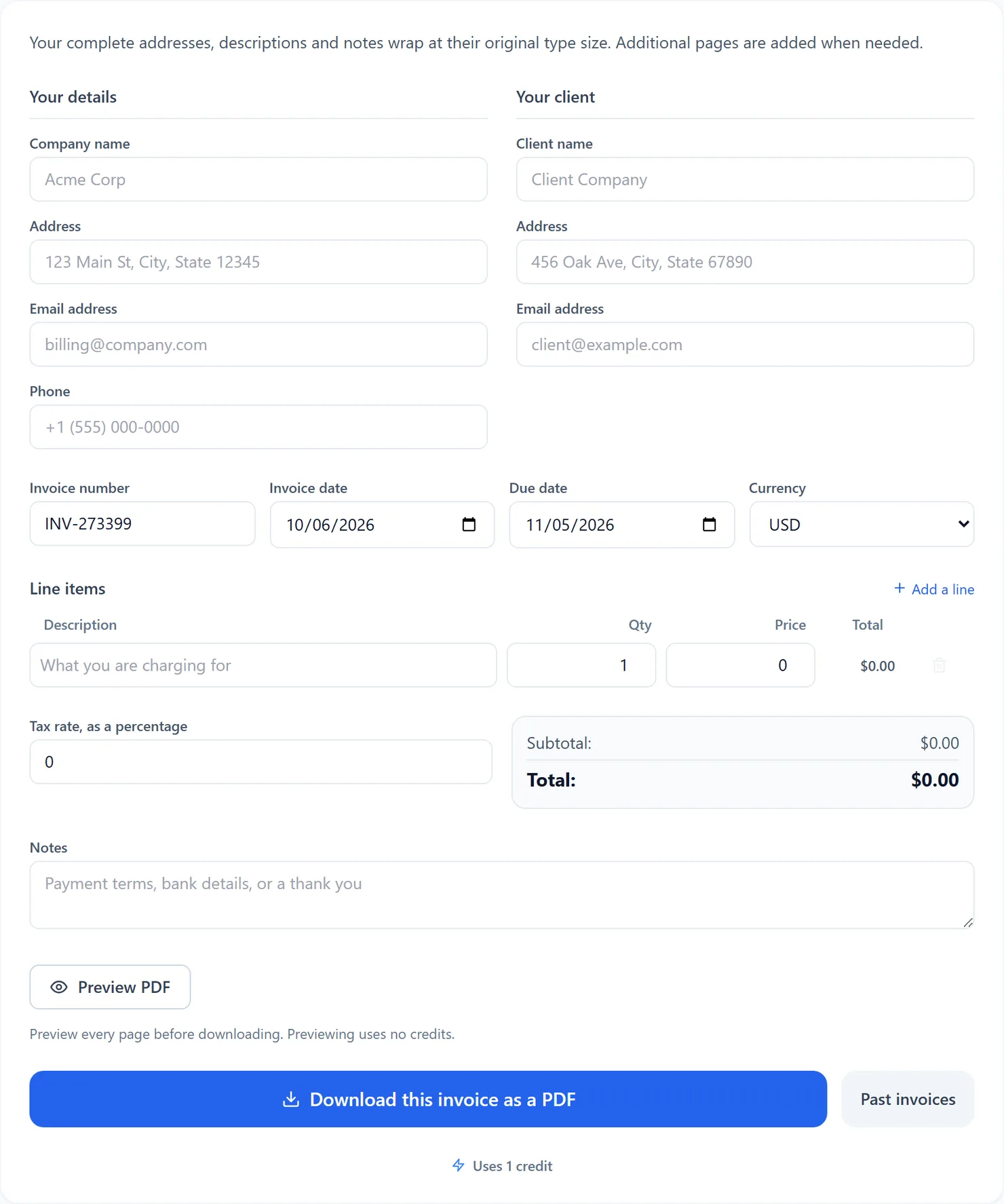
Create Invoice with its default, empty fields. - Add your line items. Type a description, quantity and price for each; the line total and running totals update as you type. Select Add a line for more rows, and set a tax rate if one applies.
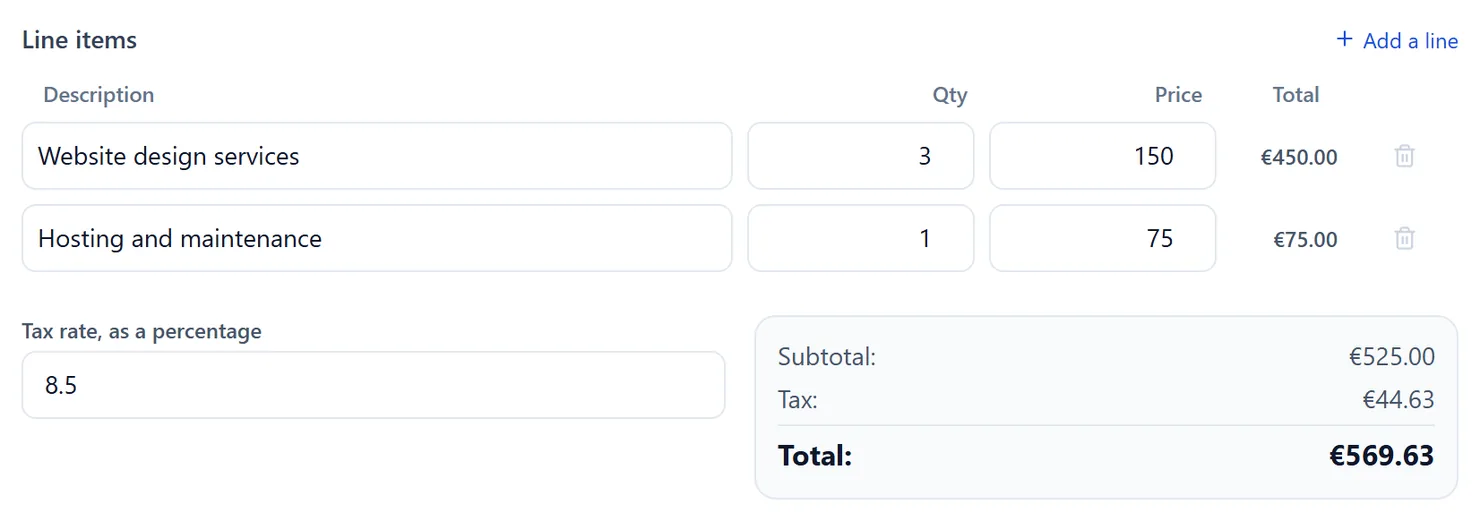
Two line items, a tax rate and the running total. - Select Preview PDF to check every page without using credits. If you change any field, select Preview PDF again to review the new layout.
- Select Download this invoice as a PDF to save the finished document. When a current preview is open, the download uses that same prepared PDF.

Select Download to save the invoice as a PDF.
Credits: downloading an invoice uses 1 credit, which your free daily credits cover. You get 10 free credits a day, or 25 with a free account.
What the fields do
- Invoice number, dates and currency. All prefilled with sensible defaults and fully editable.
- Line items. Add as many as you need with Add a line; remove one with the trash icon next to it.
- Tax rate. A percentage applied to the subtotal, shown only when it is above 0.
- Notes. Complete payment terms, bank details or a thank you message. Notes wrap and continue onto extra pages when needed.
- Past invoices. The PDF uses daily credits and works while signed out. Keeping a history of past invoices needs a free account.
Create Invoice or the full Invoice Generator
Create Invoice is built for a quick, single PDF: fill it in, download it, done. ToolsToHelp.Me also runs a full Invoice Generator, a separate app with estimates clients can sign, online payment links, client records and saved history built in. If you only need one invoice right now, this tool is faster. If you invoice people often, the full Invoice Generator is worth the extra setup.
Tips
- Review long content. Complete descriptions and notes wrap and add pages. Preview every page to check the final layout.
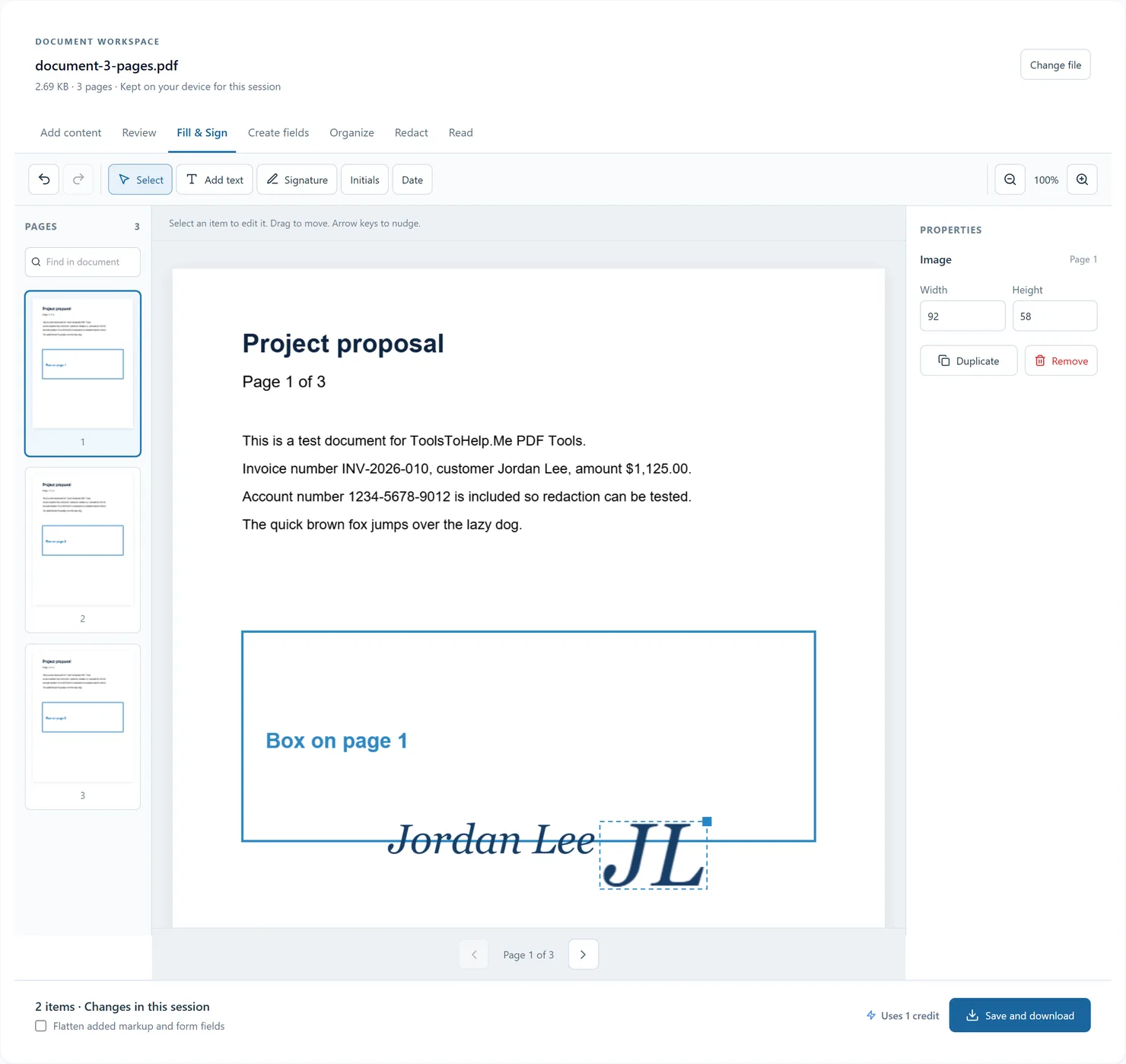
- Sending a PDF that needs a signature? Add one afterward with Sign PDF.
- Need a resume instead? Create Job Application builds a CV the same way.