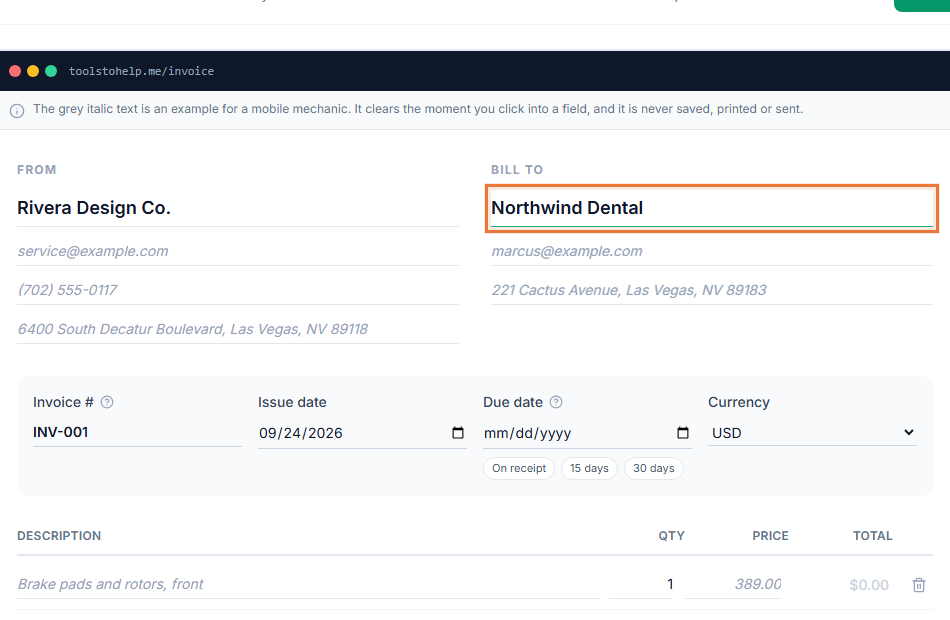
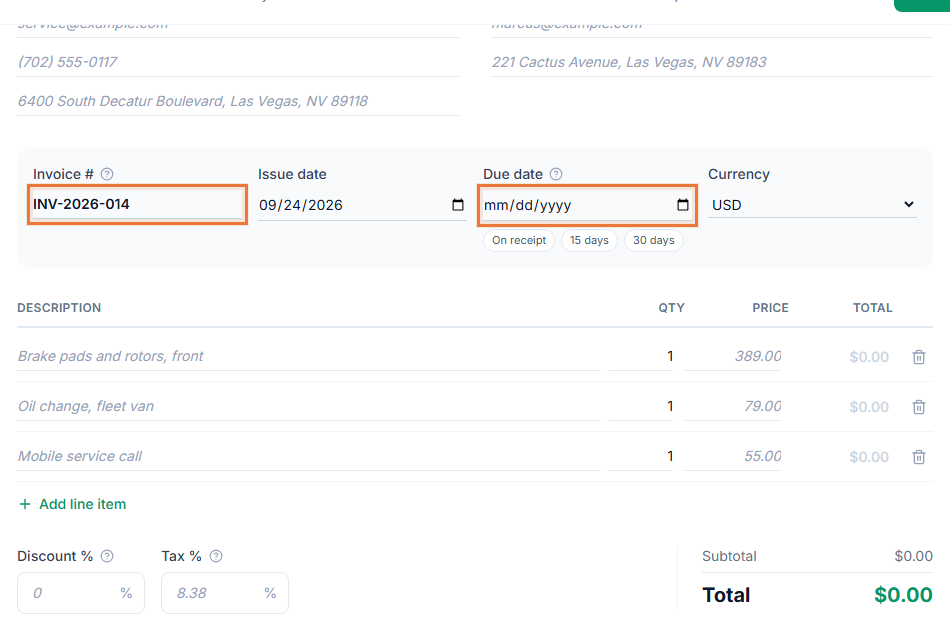
Invoicing for cleaning businesses is mostly about the same handful of clients, again and again. Building each invoice from a blank page every visit wastes time that could go into the next job. The Invoice Generator saves each client once, lets you duplicate a past invoice for their next visit, and tracks who still owes you across a growing client list.
How repeat billing works in the Invoice Generator
- Save the client once. Add their name, address and contact details the first time you bill them.
- Duplicate the invoice for the next visit. Copy a past invoice instead of rebuilding the line items from scratch, then adjust anything that changed.
- Log supply costs. Track cleaning supplies or equipment as expenses so you know your real cost per job.
- Send and track. Share the invoice link, add a payment link, and check invoice tracking to see who has paid.
Invoicing for cleaning businesses that bill the same clients again
- Less retyping for repeat clients. Saved client records and a duplicated invoice mean each visit takes a minute to bill.
- You can see who owes you. Invoice tracking across a growing client list shows what is sent, viewed and paid at a glance.
- Clients pay from their phone. A payment link on the invoice means no cash or check to collect on-site.
- Looks like a real business. Your logo and colors appear on every invoice, which matters as you take on more clients.
Records that hold up as your client list grows
A handful of regular clients is easy to keep in your head. Twenty or thirty is not. Saved client records mean each address and rate is written down once, not remembered, and invoice tracking shows at a glance who has paid this month and who has not, instead of you scrolling back through old texts to check. A report at the end of the month, or the year, gives you a clean total of what you billed and what your supplies cost, useful for your own planning or for handing to whoever does your taxes.
Who this fits
Residential and commercial cleaning businesses, whether it is a solo operator or a small crew billing dozens of recurring clients, will find this matches how the work actually repeats. Start from the cleaning services invoice template to see a filled-in example with typical line items, and see how to write an invoice for what belongs on every one you send.
Keeping a growing client list organized
As your client list grows, client management keeps every address and rate in one place instead of scattered across texts and notebooks. If a client falls behind, what to do when a client has not paid covers how to follow up without losing the relationship.