Some clients still want a file, not a link, especially for their own records or their accountant. A free invoice PDF gives you exactly that, generated straight from your browser's print dialog with your logo and totals already in place.
There is no separate PDF generator to learn and no extra software to install. The Print or PDF button on an invoice or estimate opens the same print dialog you would use to print any web page, and choosing Save as PDF as the destination turns it into a file instead of a printed sheet.
How it works
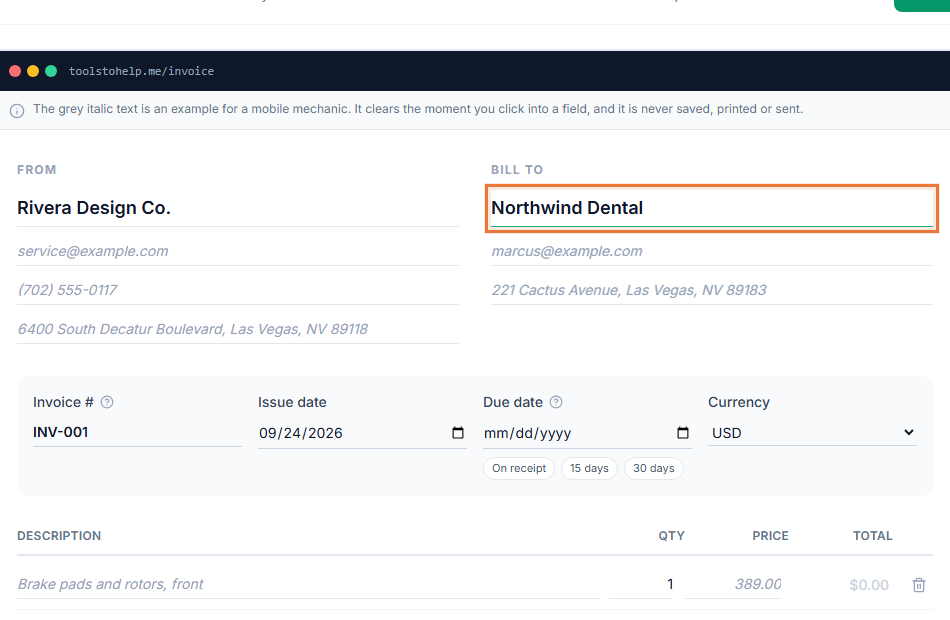
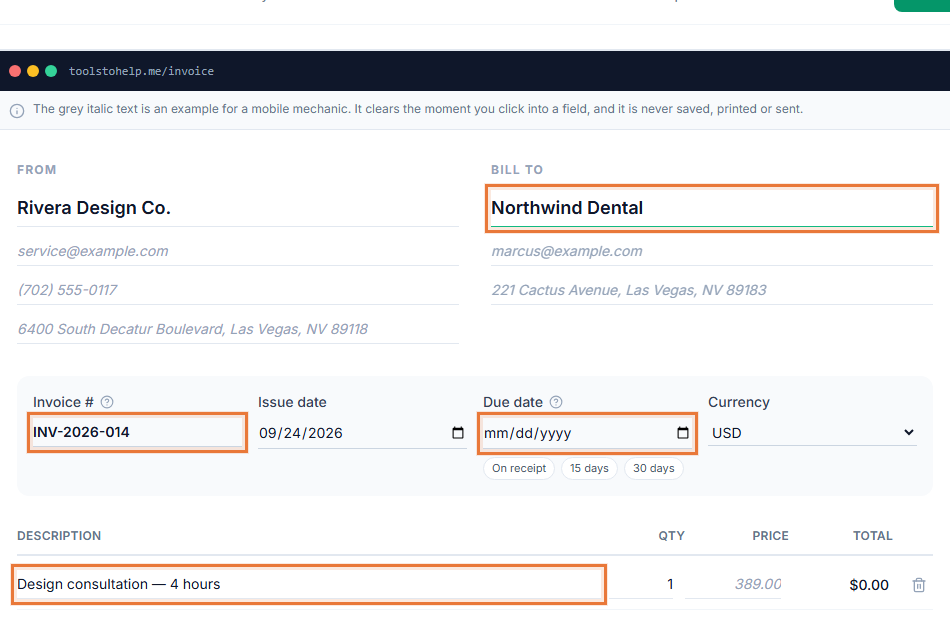
- Build the invoice. Add your client, line items, tax and any notes or terms.
- Click Print or PDF. This opens your browser's own print dialog.
- Choose Save as PDF. Pick that as the destination instead of a physical printer, and save the file to your computer.
- Send it your way. Attach the PDF to your own email, or send it however you already reach your client.
- Print a paper copy if you need one. The same dialog lets you pick an actual printer instead, for a client or a job that still wants paper.
Why keep a PDF version
- A file some clients expect. A link is faster, but a PDF is still what many bookkeepers and accountants want to file.
- Matches your branding. The PDF shows the same logo and accent color as the shared link.
- No separate design work. Nothing to lay out by hand. Read how to write an invoice for what should be on it before you save the PDF.
- Works for estimates too. The same button saves a PDF of an estimate, not only a finished invoice.
Before you download it
The PDF captures whatever is on the invoice at that exact moment, so it is worth checking the client details, line items and any notes or terms before you click Print or PDF. If you fix something after downloading, the old PDF file does not update itself. Download a fresh one, or send the shareable link instead, which always shows the current version.
Most browsers also let you adjust margins, paper size and background graphics in the same print dialog before saving. If your invoice looks cramped or a color is missing in the saved file, check that "background graphics" or a similar option is turned on before you save it again.
Who uses it
A PDF suits anyone who needs a file for their own records or a client's, alongside the shareable link: web developers billing a milestone, video producers wrapping a project, tutors sending monthly summaries, and any small business that keeps its invoices filed by year. See how to send an invoice for when a PDF makes more sense than a link.
- Web developer invoice template
- Video production invoice template
- Invoicing for freelancers
- Invoicing for small businesses
Works with the rest of the Invoice Generator
The PDF reflects whatever is on the invoice at the moment you download it, including your branding and any notes or terms. It sits alongside the shareable link rather than replacing it, so you can send either one depending on what your client wants.