Landscaping invoicing software has to cover a wider range of jobs than most trades: a one-time cleanup billed flat, a design-and-install project quoted up front, and a maintenance contract billed by the visit or the hour. The Invoice Generator handles the estimate, the material costs and the invoice for all three, and keeps every client's status in view as the season goes on.
How a landscaping job moves through the Invoice Generator
- Quote bigger projects. Send an estimate for a design, install or large cleanup, with labor and materials as separate lines. Your client can sign it in their browser before the crew is scheduled.
- Track hours for maintenance work. Log time by client and rate for recurring visits billed hourly.
- Log material costs. Track plants, mulch, equipment or other supplies as expenses, by category.
- Invoice and follow up. Turn the tracked hours into an invoice in one step, or build it from the approved estimate, share the link, and check invoice tracking across your client list.
Landscaping invoicing software built for a full season
- Handles project and maintenance billing the same way. Use an estimate for a big job, or tracked hours for a recurring visit, in the same tool.
- Material costs are easy to see. Expense categories and CSV export show what a job cost against what you billed.
- You can see who still owes you. Invoice tracking across a growing client list shows what is sent, viewed and paid.
- Clear terms cut down on late season payments. See invoice payment terms explained for wording landscapers can use.
Keeping a season's worth of jobs organized
Between a spring cleanup here, an install there and a run of weekly mowing visits, a busy season can turn into a blur of who was billed for what. A signed estimate for each project and an expense log for materials give you something to check a job against later, and a report at the end of the season shows what you billed and what materials cost across every client, without you rebuilding it from a stack of receipts and old texts.
Who this fits
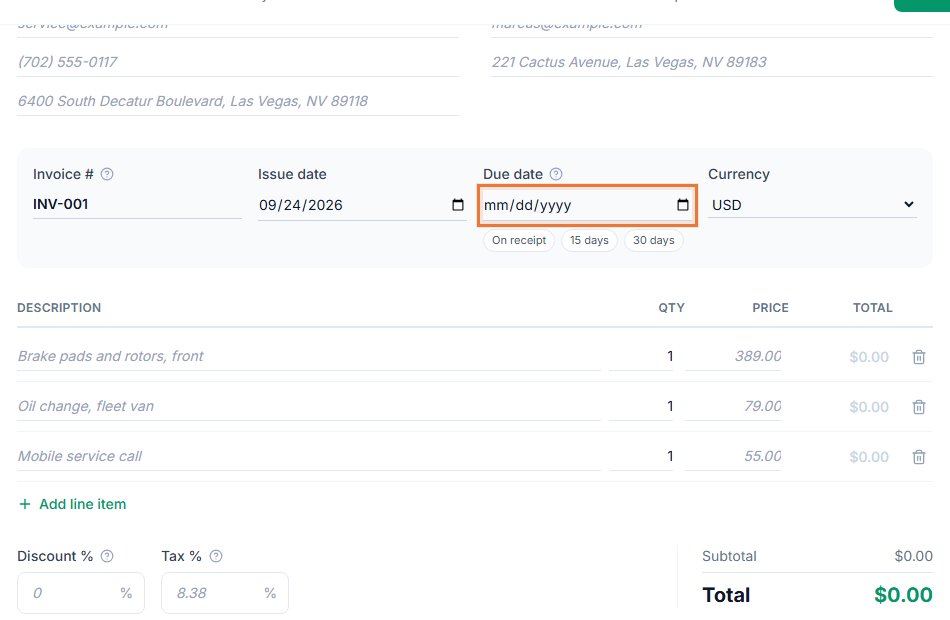
Landscaping and lawn care businesses billing a mix of one-time projects and recurring maintenance clients will find this fits the way the work is actually priced. Start from the landscaping invoice template to see a filled-in example with typical labor and material lines.
Getting paid before the next visit
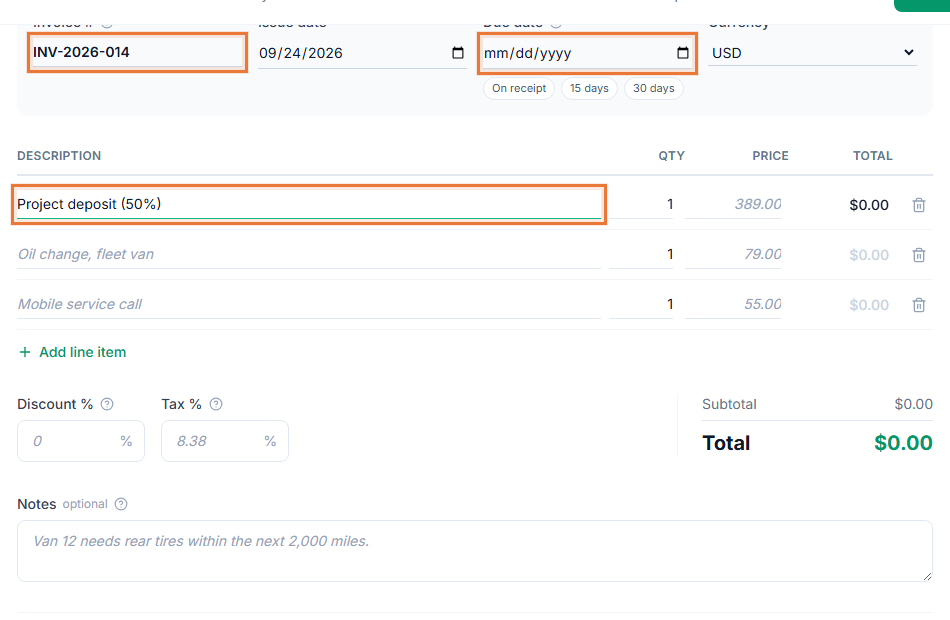
For a bigger install, how to ask for a deposit covers wording for collecting money before materials are ordered. A payment link on the invoice means a client can pay from their phone the same day the crew finishes, instead of leaving a check under the mat.