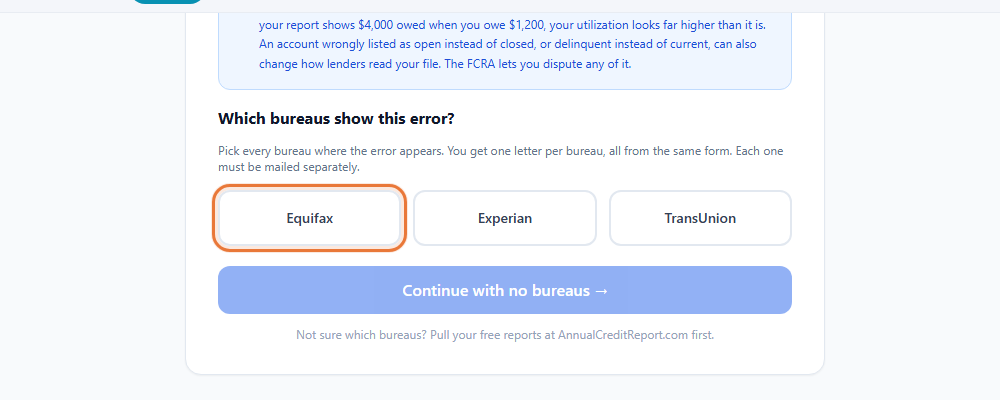
Federal law gives you the right to see your own credit report from each of the three nationwide bureaus, Equifax, Experian and TransUnion, at no cost. Checking regularly is one of the simplest ways to catch an error or a sign of fraud before it causes a problem.
Where to get your free report
AnnualCreditReport.com is the official site, set up under federal law, for your free credit reports from Equifax, Experian and TransUnion. The three bureaus currently offer free weekly online reports there. Be careful with sites that sound similar. Some ask for a credit card and enroll you in a paid monitoring plan; AnnualCreditReport.com does not.
How to check your report
 Inside Credit Building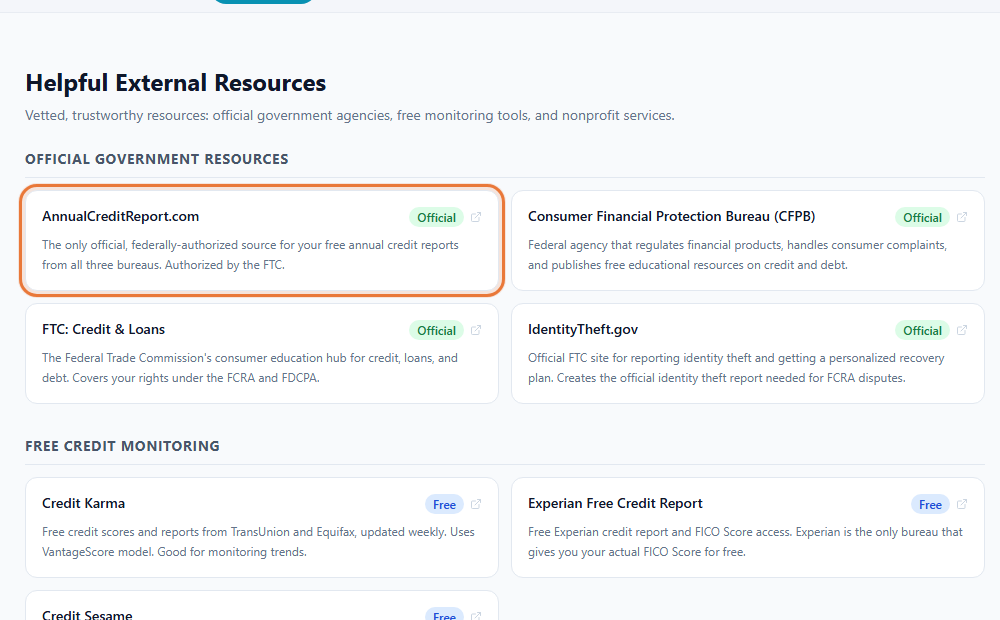
- Go to AnnualCreditReport.com. Type the address directly rather than following a link from an email or an ad.
- Verify your identity. You will be asked for information such as your name, address, Social Security number and date of birth, so the bureau can confirm the report belongs to you.
- Choose which bureau report to view. You can request one, two or all three at once.
- Read through the report. Check your personal information, your accounts, and any negative items for accuracy.
- Save a copy. Download or print the report, or save it as a PDF, so you have a record to compare against next time.
What is on a credit report
- Personal information. Your name, addresses on file, and employers the bureau has recorded.
- Accounts. Credit cards, loans and other credit accounts, including the balance, credit limit or loan amount, and your payment history.
- Credit inquiries. A record of who has looked at your report, such as a lender you applied with.
- Public records and collections. Items such as collections or bankruptcy, if any apply to you.
A credit report does not include your credit score. The score is a separate number calculated from the information in the report, and it is not part of your free federal report. Many banks and credit card issuers offer a free look at a score as a separate feature.
Checking your own report does not hurt your score
Pulling your own report or score is what is known as a soft inquiry, and it has no effect on your credit score. It is only a hard inquiry, the kind that comes from applying for new credit, that can affect your score. There is no reason to avoid checking your own report out of concern for your score.
How often to check
Since the reports are available free as often as weekly, there is little reason to ration them. A reasonable approach is to check all three when you first start paying attention to your credit, then check again every few months, or sooner if you apply for credit, notice unexpected mail from a lender, or suspect your information has been part of a data breach.
What to look for
- Personal information that is wrong, such as an address you never lived at.
- Accounts you do not recognize.
- Balances or payment history that do not match your own records.
- The same account listed more than once.
- Negative items old enough that they should no longer be on the report.
If you find something wrong, see how to dispute a credit report error for the steps to fix it.
Freezing your credit or adding a fraud alert
If you find signs of fraud, such as an account you never opened, you can freeze your credit file at each bureau, which blocks lenders from pulling your report to open new credit, or add a fraud alert, which asks lenders to take extra steps to verify your identity first. Both are free. Each bureau has its own page for placing or lifting a freeze or alert. The FTC's IdentityTheft.gov site walks through the full process if you believe you are dealing with identity theft.
This guide is general education, not legal or financial advice. CreditPath and ToolsToHelp.Me do not promise any change to your credit report or score. For advice about your situation, talk to a qualified professional, such as a nonprofit credit counselor or an attorney.